Do Solar Security Cameras Work in Winter? Charging Limits, Shade and a Reliable Setup
A solar security camera can work through winter, but only when its supported temperature range, available solar energy and recording demand fit the location. A camera can remain operational below freezing while its battery is temporarily unable to charge. A sunny winter day therefore does not automatically mean the battery level will rise.
The useful question is not whether solar cameras work in cold weather as a category. It is whether your exact camera, panel and storage arrangement can maintain the required coverage through the conditions that occur at your property. This guide provides a practical winter check and explains why newer buffered-power products should not be confused with ordinary charging panels.
Three limits to check separately
| Limit | What it describes | Why it matters |
|---|---|---|
| Camera operating temperature | The environment in which the device is specified to function | A powered camera may still be outside its supported conditions |
| Battery charging temperature | The conditions under which the battery may accept charging | It can be narrower than the operating range |
| Energy balance | Energy collected versus energy consumed over time | Supported temperatures do not guarantee enough sunlight |
Do not replace one limit with another. An IP weather rating concerns defined protection against ingress; it does not state battery charging temperature or guarantee unlimited winter operation. Check the exact regional model and accessory documentation.
Why a camera can work but not charge
Many camera systems impose charging limits to protect their batteries. The device can use stored energy during conditions in which charging is restricted. That can make the app’s power behavior look confusing: the camera is online, the panel is in sunlight, yet the percentage is unchanged or falling.
Reolink’s solar-efficiency guidance states a 0°C–45°C charging range for its listed ordinary 3 W, 6 W and 12 W panel arrangements, while distinguishing the newer Panel 2S. Use that as a model-specific example, not a blanket claim about every solar camera.
Do not bypass temperature protection, apply improvised heaters or alter battery wiring to force charging. If the intended climate exceeds the system’s limits, choose a supported alternative power arrangement or different equipment.
Short daylight and low sun change the installation
A panel that receives good summer sun can spend most of a winter day behind a roof, fence or evergreen tree. The relevant measure is useful direct exposure at the panel, not the general weather forecast for the town.
Observe the proposed location at several times on a representative day. Check shadows from the building and nearby objects, and consider whether the mounting can be adjusted safely. A panel mounted flat under an eave may be easy to hide but poorly placed to collect winter energy.
eufy’s winter solar-charging article discusses reduced available light. Treat marketing claims about a small number of daily sunshine hours as conditions-based examples, not a guarantee for a shaded camera with frequent activity.
Integrated panel or separate panel?
An integrated panel keeps the product compact and avoids a separate cable run. It also ties the panel’s location to the best camera angle. The position that shows a visitor’s face may not be the position receiving the most winter sunlight.
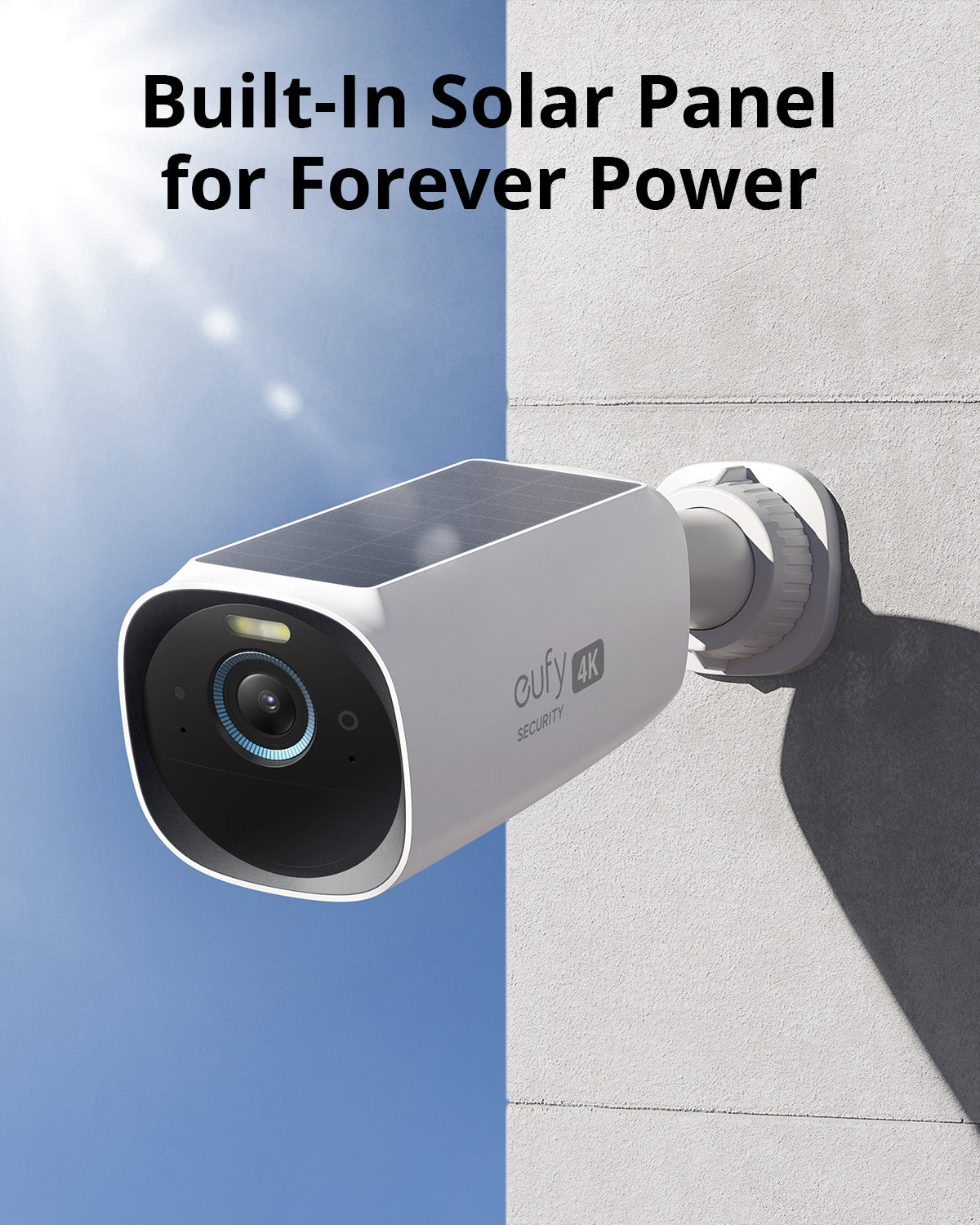
A separate approved panel can be positioned for light while the camera remains aimed at the entrance. Check cable length, permitted extensions, connectors and environmental sealing. An improvised extension can introduce voltage loss or compromise weather protection.
Do not assume every panel with the same connector is approved. The camera’s charging controls and electrical specification matter. Check accessory compatibility before purchasing a higher-wattage panel advertised as a universal upgrade.
Newer buffered panels are a different arrangement
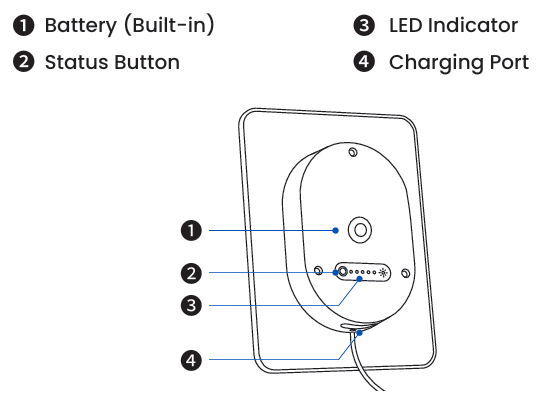
Reolink’s Solar Panel 2S documentation describes an integrated battery, a charging range for that battery extending below 0°C, and direct power to supported cameras in certain colder conditions. It can therefore behave differently from a panel that only attempts to charge the camera’s own battery.
This is not permission to generalize the feature to all Reolink panels or every battery doorbell. It also does not create unlimited energy during a long dark period. The reserve must eventually be replenished, and the exact camera must remain within its own supported conditions.
Solar power does not automatically mean continuous recording
Some battery cameras save only events; other newer models support additional recording modes under specified power conditions. Connecting a panel does not add a recording feature that the camera lacks.
eufy’s FAQ for the listed Solar Panel Charger models separates charging support from continuous recording. Do not apply an older model’s limitation to every newer product, but equally do not infer all-day video from the words solar powered.
Ask whether you can replay a quiet time between detected events. If that is required for your security task, verify the exact supported mode and its energy needs before selecting the camera.
Calculate the energy question honestly
Panel wattage is an output rating under stated conditions, not a promise that the panel supplies that power through every daylight hour. A useful planning concept is equivalent full-output sun hours, adjusted for the actual system and conditions.
For an illustrative calculation, assume a 6 W panel receives two equivalent full-output hours and the overall useful collection factor is 60%. That gives 6 × 2 × 0.6 = 7.2 Wh daily. If the hypothetical camera uses 5 Wh daily, the calculated surplus is 2.2 Wh. With only one equivalent hour, collection falls to 3.6 Wh and the deficit is 1.4 Wh.
These figures are invented examples, not a performance claim for a pictured product or a universal efficiency factor. They show why a modest change in sunlight can turn a balanced setup into one that slowly depletes its battery.
Battery reserve matters during consecutive poor days
One cloudy afternoon is different from a week without useful charging. Estimate the period you need to bridge and the energy demand during it. A hypothetical 5 Wh daily load requires at least 25 usable Wh for five days before additional losses and the actual discharge limits are considered.
Battery capacity expressed only in milliamp-hours is not directly comparable across different voltages. Use the manufacturer’s energy information and supported runtime guidance where available rather than treating every large mAh number as equivalent.
Reserve also needs recovery time. After several poor days, one modest sunny period may cover that day’s use without restoring the battery to its original level. Watch the trend over multiple days instead of celebrating one charging icon.
Settings can change consumption and protection
Frequent live viewing, repeated events, spotlights, sirens, pre-recording and continuous video can affect power demand on supported devices. A camera pointed at moving vegetation or traffic may spend much more time active than a carefully framed entrance camera.
Reduce irrelevant activity by improving placement and appropriate detection zones before simply disabling useful alerts. If the only way to keep the battery alive is to miss the event you bought the camera for, the power arrangement is not meeting the task.
Our false-alert guide helps distinguish rain, insects and reflections. Our missed-motion guide helps check that power-saving changes have not created a new detection gap.
Snow, dirt and safe maintenance
Snow, leaves or accumulated dirt can block light. Follow the panel manufacturer’s cleaning guidance and maintain safe access. Do not scrape the surface with an abrasive tool or climb an icy roof to recover a few percent of charge.
Consider the installation before winter. A panel that can only be reached with a difficult ladder setup may be unsuitable for a property requiring frequent clearing. Snow shedding and safe servicing matter alongside the sun angle.
Keep connectors and cable routes as designed. Water ingress, damage or corrosion can create charging problems that look like a seasonal-light issue. Inspect accessible components without opening sealed equipment or modifying electrical protections.
Use a winter test log
| Record each day | Why it helps |
|---|---|
| Battery level at the same time | Shows the trend rather than a momentary reading |
| Approximate conditions and temperature | Helps distinguish low light from charging restrictions |
| Number or duration of events | Shows changes in recording demand |
| Live-view use and lighting activity | Identifies avoidable consumption |
| Panel shadow or obstruction | Connects performance with the actual location |
| Saved test event | Confirms the camera still performs its security task |
Use a representative period rather than a single sunny day. Keep the settings stable while diagnosing the trend, then change one relevant variable and repeat. The log is more useful to support than a statement that solar does not work in winter.
Troubleshooting: no charge, slow charge or no recording?
If the camera is online but not charging, check temperature eligibility, panel exposure and approved connections. If it charges but loses ground over several days, compare energy demand with available light. If it is charged yet does not save events, troubleshoot recording and detection separately.
A charging icon does not prove net energy gain. A camera can receive some input while consuming more than it receives. Conversely, a buffered system may power the camera without visibly increasing the camera’s own battery percentage in a particular mode.
Use the exact model’s status meanings. Do not reset an entire system before saving relevant settings and recordings; a reset will not remove a tree shadow or change a battery’s permitted temperature range.
When wired power is the better investment
For an essential entrance with high activity or a requirement for continuous recording, a properly installed powered camera may be more predictable than trying to balance a small solar system through a difficult winter. Compare safe cabling and backup power with the ongoing maintenance of batteries and panels.
Our PoE and Wi-Fi comparison distinguishes data connection from electrical supply. A plug-in Wi-Fi camera and a battery Wi-Fi camera are not the same power proposition.
For a property without mains power, obtain a professionally designed solution where the consequence of lost coverage is significant. A consumer camera kit may be appropriate for observation without satisfying a requirement for uninterrupted high-assurance recording.
Remote cabins and farms need a response plan too
Power is only one dependency. A camera that remains charged but loses its mobile or wireless connection may keep local evidence without notifying anybody. Know what happens to recording and alerts separately.
Our 4G camera guide covers coverage and service costs, while the cabin plan addresses inspections and local response. Avoid treating a solar panel and SIM card as a guarantee that a remote property needs no visits.
Choose mounting and maintenance that remain practical when access roads or weather change. A caretaker should not be expected to take physical risks simply to restore a camera.
A pre-winter checklist
- Identify the exact camera, panel and battery arrangement.
- Record separate operating and charging temperature limits.
- Observe winter light and shadows at the actual panel position.
- Check approved mounting, cables and safe servicing access.
- Verify the intended recording mode and free or paid storage features.
- Track battery and activity through representative conditions.
- Define a fallback when charging cannot keep up.
The best setup is one whose limitations are understood before the first prolonged cold spell. A well-maintained panel can reduce charging work, but it should not be used to disguise an unsuitable power budget.
Frequently asked questions
Will a solar camera charge below freezing?
Some listed camera batteries will not, while specific newer buffered accessories have different capabilities. Check the exact camera and panel documentation instead of applying one universal temperature claim.
Does snow stop the camera itself?
Obstruction can reduce panel collection and affect the camera view, while temperature and environmental ratings create separate limits. Assess each condition rather than treating snow as one fault.
How many sunlight hours are enough?
There is no universal number. Panel exposure, weather, camera activity, temperature and stored reserve determine the balance. Verify the manufacturer’s assumptions at your property.
Should I lower sensitivity to save battery?
Only as a controlled change that still captures the relevant event. Improve unnecessary triggers first, then repeat a realistic walk test.
Does a solar panel give me 24/7 video?
Not automatically. Recording mode is a camera feature with power and storage requirements of its own.