
Moved Into a House With an Existing Alarm? Keep It, Take It Over or Replace It
The keypad beside your new front door lights up, several windows have sensors and a siren is attached outside. That does not tell you whether the system is monitored, whether anyone still has remote access or whether the equipment belongs to the seller. Before buying a replacement kit, establish what you have and who controls it.
Keep working equipment when its condition, support and compatibility make reuse sensible. Replace unsupported or unsuitable parts rather than assuming every existing sensor is worthless—or that every old system can become a modern app-controlled alarm with one adapter. The first job is an inventory and an authorized handover, not a factory reset.
Do not start by unplugging or resetting the panel
An unfamiliar alarm can include battery backup, tamper functions or connections to smoke and carbon-monoxide equipment. Removing power or opening a cabinet may do something other than silence the display. Do not experiment with wires or default-code lists while nobody knows the system’s status.
Ask the previous owner, landlord, managing agent or existing provider for the documentation and legitimate access process. If an alarm is actively sounding or somebody is at risk, use the property’s urgent support or appropriate emergency route rather than following a buying checklist.
For a managed or rented building, establish who is authorized to change it. Ownership of the property, ownership of leased equipment and responsibility for monitoring are separate questions.
Build an inventory without dismantling anything
Photograph accessible labels and the normal display. Record the control panel, keypad, wireless hub, sensors and any separate communicator or app name. A keypad’s brand is a useful clue, but it may not identify the control panel or every connected component.
Walk the accessible openings and note what each sensor appears to cover. Include garage and outbuilding devices, sirens, keyfobs and camera systems. Keep any existing zone list, even if the names are unclear; it may be the only record connecting a number on the display to a group of windows.
| Record | Why it matters |
|---|---|
| Panel and hardware revision | Determines service support and upgrade options |
| Keypad and app | Identifies user controls, not necessarily the entire system |
| Each zone and covered opening | Shows what the alarm actually monitors |
| Wired versus wireless devices | Changes reuse and compatibility questions |
| Communicator and connection | Explains how signals reach a provider or account |
| Backup batteries | Establishes maintenance and outage dependencies |
| Life-safety devices | Identifies components needing separate specialist attention |
| Contracts and credentials | Clarifies ownership, service status and authorized access |
Do not post the complete inventory, codes and address on an open forum. Share necessary photographs privately with an accountable provider.
Find out whether anybody is monitoring it
A warning sticker, illuminated keypad or working siren does not prove that a monitoring contract is active. Contact the provider through independently verified details and confirm the account status, premises address and authorized person.
Ask what happens to the previous owner’s service when the property changes hands. Do not assume that paying for the house transfers a subscription or that the previous account holder can lawfully continue watching cameras. Use the official ownership-transfer process.
SimpliSafe’s moving guidance, for example, describes leaving equipment behind while the new owner creates an account and arranges service. The procedure for another brand may be different, so use the documentation matching the actual system.
Review access before relying on the alarm
Establish new authorized users through the manufacturer’s or provider’s handover process. Review keypad codes, keyfobs, mobile invitations, camera access and linked smart-home services. Changing one keypad PIN may not revoke another account’s remote control.
Keep an appropriate owner-recovery method and ensure the household knows normal arming and disarming. Do not share one administrator login with every occasional visitor. Use individual or temporary permissions where the system supports them.
If you cannot establish ownership or recover legitimate administration, ask the provider how that affects reuse. Avoid buying a secondhand hub on the assumption that a hardware reset always removes account ownership restrictions.
Option 1: retain the existing system and arrange service
This can be good value when the panel is supported, the wiring and devices are sound and the available monitoring meets your needs. An installer may be able to replace batteries, repair a zone, update a supported communicator and commission the system without replacing every contact.
Ask for a complete functional test and a written list of limitations. A service visit should establish which events reach the monitoring center and whether any required permits or account details need updating. Local requirements vary, so check them rather than assuming the old owner’s arrangements automatically continue.
Retaining the panel is less attractive if parts or support are unavailable, the system cannot provide a required function or recurring faults make it expensive to maintain. A familiar brand sticker is not evidence that every generation remains supported.
Option 2: keep suitable wiring and sensors, change the control system
Existing cable routes can be valuable, especially in a finished home. Some installations can retain working wired contacts while replacing control equipment or adding a compatible interface. Compatibility needs a qualified assessment; visible wires alone do not establish their condition or suitability.
A contact zone can contain several openings. If multiple windows share one zone, a replacement interface may report that zone as open without identifying which window caused it. Decide whether that level of detail is acceptable before choosing the architecture.
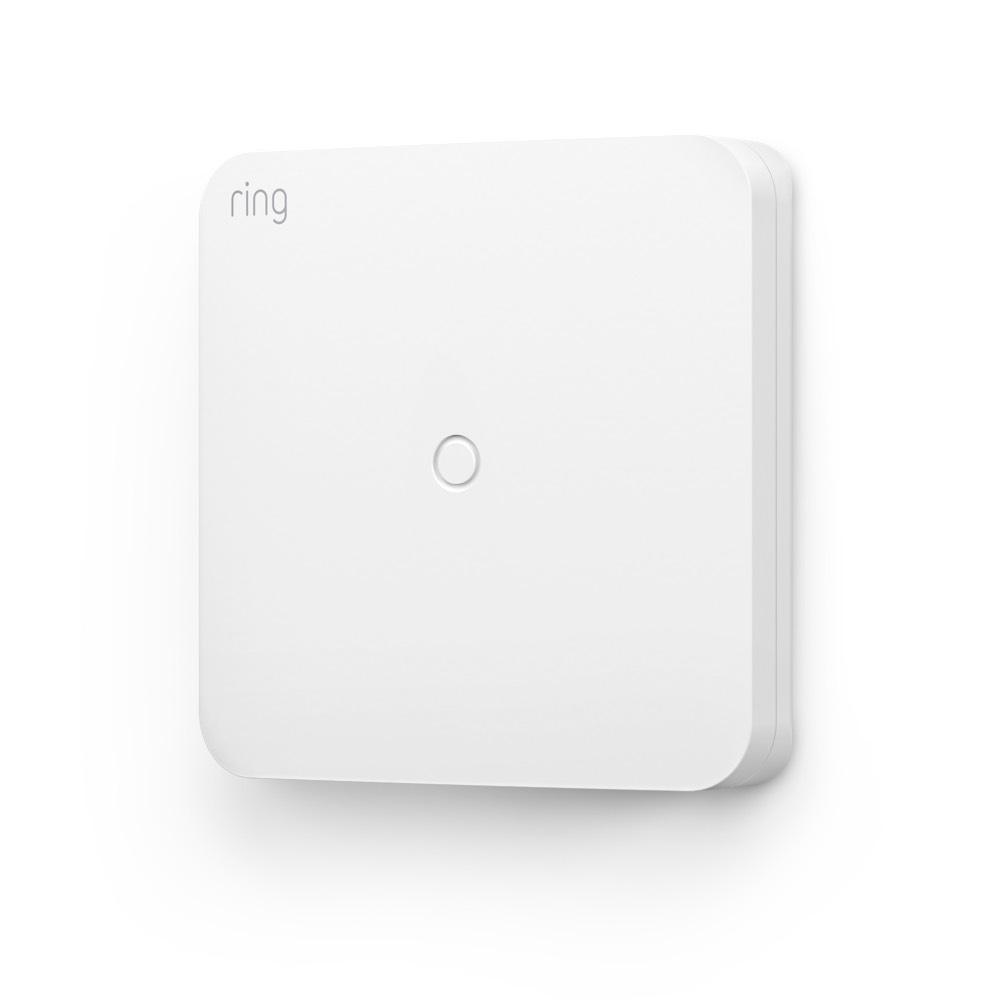
The Ring Retrofit Alarm Kit is a specific North American example: it connects up to eight compatible wired contact zones to a required Ring Alarm or Alarm Pro base station. Ring excludes existing wired keypads, sirens and smoke/CO devices from this adapter’s supported uses. That is a narrow reuse path, not permission to connect every wire from an old panel.
Have an appropriate installer assess the circuits and life-safety connections. This article is a planning guide, not a wiring or alarm-bypass procedure.
Option 3: replace with a new compatible kit
A new system can make sense where the existing equipment is unsupported, incomplete or poorly matched to the property. It can also provide clearer ownership and a simpler user experience. But count the sensors and functions being replaced rather than comparing a full old system with a starter box containing one contact.
Wireless devices are not universally interchangeable, even within one brand. SimpliSafe’s generation-upgrade guidance states that Original-system sensors do not work with its Gen 3 system. That is why model and generation identification belongs before the shopping list.
Ask what happens to old cable, unused equipment and visible mounting holes. Include lawful disposal and account removal in the work rather than leaving several disconnected systems whose status becomes confusing to the next occupant.
Life-safety equipment needs its own decision
Smoke, heat and carbon-monoxide devices must not be treated as spare burglary sensors. Their power, supervision, interconnection and monitoring can have separate requirements. A consumer intrusion kit should not be substituted without establishing what protection the building needs.
Ring’s retrofit installation guidance specifically advises professional involvement where existing wiring includes life-safety equipment. Follow the correct local requirements and product instructions, and coordinate any planned interruption with the responsible people.
Keep occupants protected during the work. A project is not complete while required alarms are disconnected and everybody is waiting for a compatible part to arrive.
Check the communication path, not only the sensors
The panel may use broadband, a mobile communicator or another supported path. Determine what is active, what service it needs and whether the communication hardware remains supported in your region. An old cable entering a cabinet does not prove that an effective reporting route still exists.
Ask whether a backup channel is actually enabled in the proposed subscription. A module physically present inside the panel can still need service activation. Likewise, a router battery does not power every separate alarm component or maintain the broadband provider’s network.
Our monitoring comparison separates local alarms, owner notifications and staffed response. Choose the function you need, not merely a modern-looking replacement keypad.
Evaluate the old coverage against your new use of the house
Previous occupants may have used a different entrance, had no pets or left a garage unoccupied. Their sensor locations and arming modes may not suit your routine. Review coverage room by room rather than assuming an inherited layout is optimal.
Check which doors need entry delays and which spaces occupants use while sleeping. Have a professional configure appropriate settings where necessary; do not permanently bypass an inconvenient zone and continue describing the original coverage as intact.
For pets and glazing, use our pet-friendly detector guide and sensor comparison. Different detection methods solve different gaps.
Ask for three comparable quotations
When all three are feasible, request a retain-and-service option, a compatible partial upgrade and a complete replacement. Require each quote to cover the same openings, communications and response functions. Otherwise the cheapest figure may simply omit half the protection.
| Quotation line | What should be explicit |
|---|---|
| Reuse | Exact components retained and their assessed condition |
| Replacement | Named panel, sensors, communicator and accessories |
| Installation | Labor, access, repairs and making good |
| Service | Monitoring, app features and backup connectivity |
| Ownership | Equipment purchase, rental or financing obligations |
| Handover | Testing, documentation, training and account control |
| Future costs | Renewal, batteries, call-outs and cancellation conditions |
As a hypothetical comparison, a $400 targeted upgrade plus $25 monthly service totals $1,300 over three years. A $750 replacement with the same service totals $1,650. Those invented figures do not establish the market price or the better choice; they show why the scope and recurring commitment must be compared together.
Do cameras need the same replacement?
Not necessarily. An alarm and camera system can share a brand or app without being the same technical system. Record camera and recorder models separately, including storage, accounts and export procedures.
A new alarm provider might not support every function of an existing NVR. Conversely, replacing working cameras may be unnecessary if their independent recording system remains suitable and secure. Test the actual features rather than accepting a universal works-with claim.
Our mixed-brand NVR guide explains the difference between live video and full event integration. Keep the surveillance decision tied to its own requirements.
The handover test that matters
Coordinate with the monitoring provider before testing to avoid an unintended response. Have the installer demonstrate each intended zone, the normal entry routine, relevant warnings and the supported backup behavior. Confirm that test mode is ended and the account is active afterward.
Review a zone list that makes sense to your household. Front-left window is more useful when everybody knows which room it means. Record grouped zones honestly rather than naming a whole group after only one of its contacts.
Test any promised app controls and notifications on the actual users’ phones. Then confirm the owner can manage permissions without relying on the installer’s personal login. Keep the service contacts, manuals and recovery information securely available.
When to stop investing in the old system
Consider replacement when the provider cannot support required components, faults recur after proper repair, or the architecture cannot provide the communication and coverage you need. Extensive undocumented alterations can also make assessment more expensive.
That conclusion should follow evidence, not the age printed on a keypad. Working simple contacts can remain useful while a newer but unsupported cloud account creates more difficulty. Ask which specific requirement rules out reuse.
Once you choose, document the new arrangement for the next maintenance visit. A clear inventory and ownership record prevent the same uncertainty when you move again.
Frequently asked questions
Can a new alarm company use the old sensors?
Sometimes, subject to the exact wiring, protocol, generation and condition. Ask for a component-level compatibility assessment rather than a brand-level promise.
Does the old owner’s monitoring transfer with the house?
Do not assume so. Confirm equipment ownership and service transfer directly with the provider through its authorized process.
Can I silence the old alarm by disconnecting its power?
Do not experiment with an unidentified system. Backup power, tamper functions and life-safety connections can change the consequences. Use the provider or a qualified installer.
What should I obtain before the installer leaves?
A tested system, understandable zone list, appropriate owner access, service confirmation and a documented recovery and maintenance route.


