Can Deleted or Overwritten CCTV Footage Be Recovered? What to Check First
A missing clip can mean several things. You may be looking at the wrong date, searching cloud events while the video is on a local recorder, or trying to reach a card inside an offline camera. It can also mean the recording expired, was deleted or has genuinely been replaced by new data. Those situations have very different prospects.
Start by identifying what happened and where another copy might exist. Do not format, initialize or repeatedly test-write the original storage. Ordinary recovery software cannot recreate the original contents of storage locations that have truly been overwritten. Deleted or damaged media requires a case-specific assessment, and cloud services may have no recovery option at all.
This article is for footage you are authorized to access. If the material concerns an active investigation, follow the responsible authority’s preservation instructions rather than independently altering the recorder.
Missing, deleted and overwritten are not synonyms
| Situation | What may still exist | Best first direction |
|---|---|---|
| Wrong filter, date or channel | The original recording in ordinary playback | Correct the search without changing storage |
| Camera offline, recorder working | Video already saved on a separate recorder or hub | Open that destination directly |
| Cloud history expired or deleted | A previously downloaded copy or another recording source | Check existing copies and the provider’s actual policy |
| Local files deleted or media formatted | Possibly remaining data, depending on format, device and subsequent use | Preserve the media and seek a suitable assessment when justified |
| Drive or card damaged | Potentially recorded data that is not currently accessible | Specialist diagnosis rather than repeated repair attempts |
| Original data overwritten | Only independent copies, if any, of the replaced material | Search backups and other sources; reject guaranteed restoration claims |
| Camera never recorded that interval | No original recording from that device | Look for another legitimate source, not recovery software |
The last two cases are especially important. A recovery program cannot manufacture an event that the camera never saved, and an old notification thumbnail does not prove the full video still exists.
Preserve the situation before experimenting
Write down the device model, recording location, approximate event time and the last time the footage was successfully viewed. Record any format, reset, account-removal or subscription change that occurred. Keep the actual error messages.
If police or another investigator are involved, contact them promptly and follow their instructions about leaving equipment and settings unchanged. Police.uk’s digital-evidence guidance advises preserving originals and seeking help with retrieval rather than casually switching devices off or changing settings.
For a local data-recovery assessment outside that situation, ask the specialist how to limit further writes safely. Do not assume that abruptly pulling power is always the correct preservation action. Balance ongoing surveillance and evidence preservation through an authorized plan.
Check the non-destructive explanations first
Open the correct storage destination and clear event-type filters. Check a broader interval around the expected time and compare the device clock with a reliable reference. A wrong time zone can make perfectly intact footage appear absent from the date you selected.
Try an authorized supported playback method if the normal app errors. A desktop client or recorder monitor may access the source differently from a phone’s cloud event list. Preserve the original configuration while checking.
Use the missing-recording guide and timestamp guide before concluding data has been deleted. These checks do not require writing new test recordings over the storage you are searching.
An offline camera does not erase a separate recorder
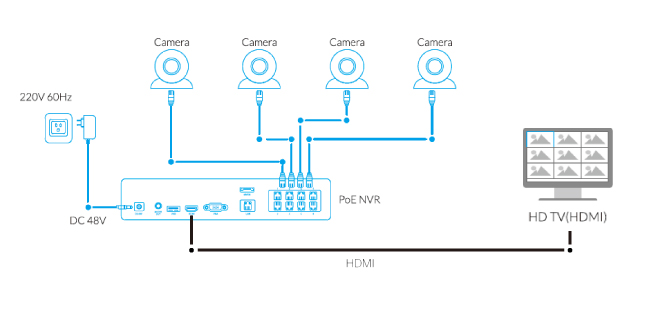
If the camera previously sent video to an NVR or hub, that destination may still contain its history even when the camera is damaged or missing. Select the old channel and recording interval rather than trying only the unavailable camera’s live page.
Reolink documents this distinction for its supported NVR and Home Hub arrangements: recordings successfully saved before the camera became unavailable can remain playable if they have not been removed or overwritten. That does not apply to an interval the recorder never received.
A card physically inside the missing camera is a different source. The fact that another destination survives does not imply every local recording is duplicated. Do not delete old channels or remove account entries until their history has been checked and required material exported.
Cloud deletion and expiration have provider-specific limits
Check the provider’s official documentation rather than a recovery website claiming it can retrieve anything from a brand’s servers. A paid plan upgrade may extend future recording but not restore expired history.
Google’s Nest/Home guidance says deleted video history and snapshots cannot be recovered and that it does not keep backups of that deleted history. It also explains that certain history and account actions remove recordings. Preserve clips before changing those settings.
Ring likewise describes video deletion as permanent. Its download and account features should not be confused with an undelete service. Check your existing computer downloads, phone files and any authorized copies already supplied to somebody else.
Do not pay a stranger who asks for your account password or one-time code to restore expired cloud video. Use official support for a genuinely unclear service issue, and protect the account while doing so.
Deleted local files: possible assessment is not a promise
Deletion and formatting can affect recording indexes and stored data differently depending on the system. Subsequent recording, storage maintenance, encryption and proprietary formats complicate the situation. A general-purpose tool showing a list of filenames does not prove it can reconstruct playable, complete video.
Reolink’s published recovery answer says deleted or formatted recordings cannot be recovered through its described product workflow and recommends exporting first. Do not promise an app-based undo that the manufacturer does not provide.
A specialist may assess some local-media situations separately, but the outcome depends on the actual device and remaining data. Keep that uncertainty explicit. A claim to recover every formatted recorder, regardless of subsequent use, is not credible.
Overwritten footage: what is actually being claimed?
Loop recording replaces old material as capacity is reused. If the original data has genuinely been overwritten, a consumer program cannot reconstruct those previous contents merely by scanning longer. The sensible next question is whether a separate copy exists.
Sometimes people use overwritten to describe anything that disappeared from the timeline. That may be inaccurate: there could be an index problem, a different storage group, retained protected clips or another recording destination. An assessment should establish the actual state rather than accept either guaranteed loss or guaranteed recovery from a vague description.
Our retention guide explains how rolling storage works. Increasing capacity now can help future retention, but it does not restore video already replaced.
Damaged drives and cards need a different decision
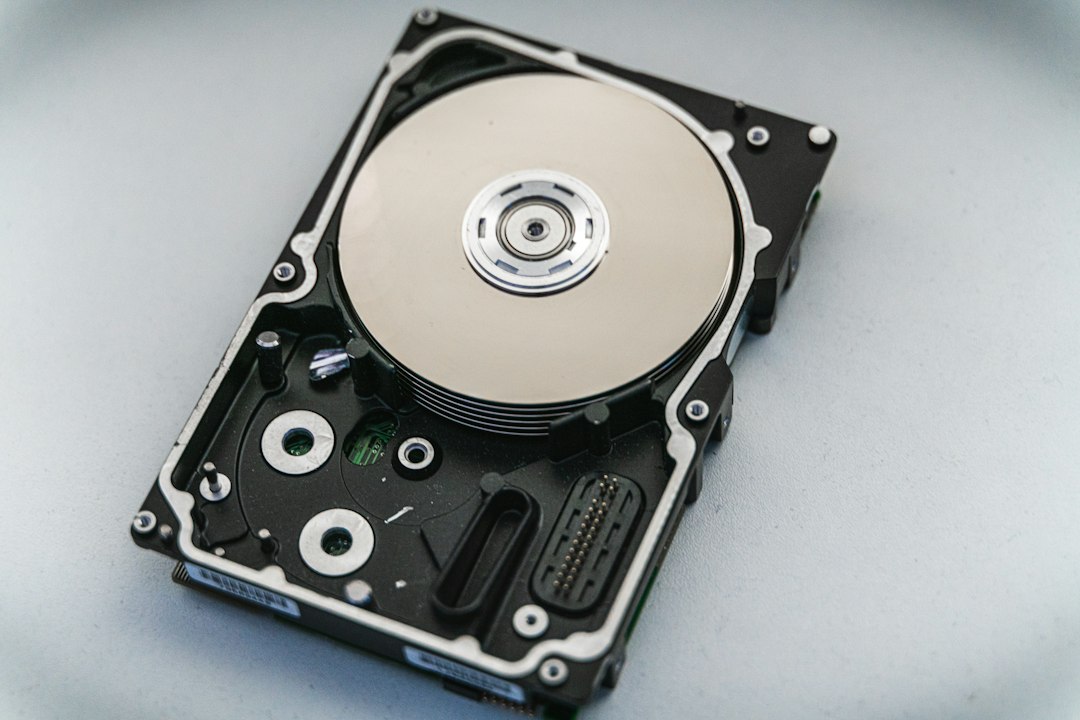
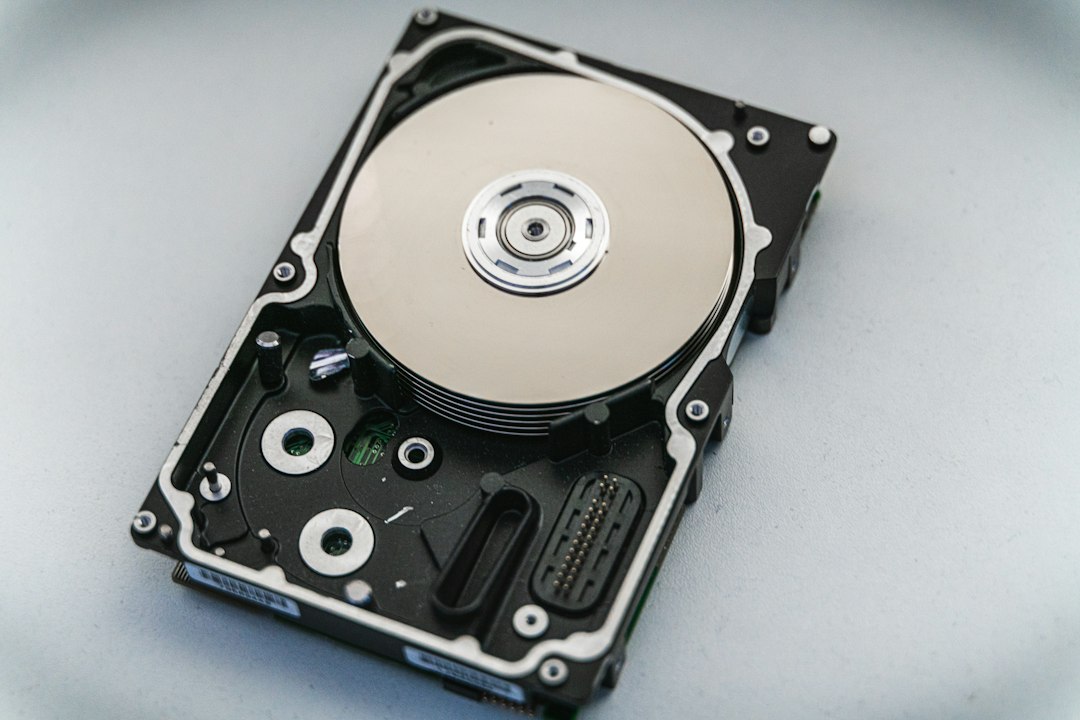
A damaged storage device can contain data that the recorder cannot currently read. Physical damage, controller problems or filesystem faults do not all have the same recovery path. Avoid repeated power cycling, improvised repairs and opening the sealed drive.
Ontrack describes specialist CCTV and DVR recovery services for certain failed or inaccessible systems. That establishes a category of professional assessment, not an endorsement of a guaranteed result or a claim that overwritten information can always be recreated.
Ask the provider about supported recorder formats, diagnostic charges, handling of the original, confidentiality and what counts as a successful recovery. Recovering a few damaged fragments is not necessarily equivalent to a complete usable recording of the requested interval.
Search for copies already made
Check legitimate exports on household or business computers, phone downloads, external drives, approved cloud backup folders and case submissions. Ask authorized recipients whether they retained the original file, not only a compressed preview or share link.
Look at other cameras that may cover a relevant part of the event, without assuming the missing view can be recreated exactly. A second angle may answer a limited question while leaving other details unknown.
For neighboring or business-owned footage, use the proper request and reporting routes. Do not access accounts or systems without authorization. Retention can be short, so explain the relevant date, time and area promptly and accurately.
What to ask before paying for software or a service
| Question | Why it matters |
|---|---|
| Does the tool support this recorder’s format? | Ordinary filesystem recovery may not reconstruct proprietary video correctly |
| Will the process write to the original media? | Further changes can affect remaining recoverable data |
| Can a preview demonstrate the requested interval? | A generic file list is not evidence of usable recovered footage |
| What does the quoted fee cover? | Diagnosis, attempted recovery and verified output may be separate services |
| How is private footage protected? | Recovery can expose more than the single incident you care about |
| What limitations are documented? | A responsible assessment should not promise every deleted or overwritten clip |
For evidential material, ask the investigator about approved handling before selecting a service yourself. Do not run successive tools on the original disk simply because each offers a free scan.
Do not mistake enhanced video for recovered evidence
Software can alter brightness, stabilize a view or create a more convenient working copy. Generative enhancement can also invent plausible details that were not preserved in the source. Neither process retrieves an original event from a storage location that no longer contains it.
Keep the original recording unchanged and identify any processed version separately. A convincing reconstructed face or number is not a substitute for captured evidence. Use appropriate professional analysis when the interpretation matters.
The export guide explains how to preserve native files and contextual notes rather than editing the only copy.
After recovery, verify what you actually received
Check camera identity, time range, continuity, playback and file completeness. Note gaps, corruption and any uncertainty about timestamps. Do not describe a partial recovered segment as a full account of the incident.
Keep the provider’s report and untouched recovered files securely, with a separate working copy for review. Follow the intended recipient’s submission process and avoid public accusations based on ambiguous fragments.
If recovery fails, record what was checked and why the requested footage could not be established. That is more useful than repeatedly paying for tools making the same unsupported promise.
Reduce the chance of repeating the problem
Verify your real retention window and learn the export process while the system is healthy. Configure appropriate storage-health warnings and check a recent recording periodically. A live feed is not a storage test.
For important events, make independent copies promptly rather than relying on a rolling cloud or local archive. Our backup guide covers both incident exports and supported scheduled backups. Also review who can delete history and maintain appropriate account protection.
Choose storage capacity and recording mode for the actual task. A tiny event archive may be acceptable for visitor interaction but unsuitable when incidents are routinely discovered several days later.
Frequently asked questions
Can overwritten CCTV be recovered?
Truly replaced original data cannot be restored by ordinary scanning software. First verify whether overwritten accurately describes the problem, then look for independent copies or obtain a qualified assessment.
Is formatted footage always permanently gone?
There is no universal recovery guarantee. The device, format, encryption, subsequent writes and damage determine what may remain, while the manufacturer’s normal app may provide no recovery at all.
Can the manufacturer retrieve deleted cloud clips?
Check the actual service policy. Major providers expressly state that certain deleted history cannot be recovered. Do not assume a hidden backup or a paid-plan upgrade restores it.
Should I unplug the recorder immediately?
Do not use one rule for every situation. Follow the responsible investigator’s preservation instructions where applicable, or ask a recovery specialist how to limit further writes safely without unnecessary changes.