

Best Security Cameras Under $50: Three Budget Options and the Real Setup Cost
A security camera under $50 can be useful for a room, doorway or nearby outdoor approach. The difficulty is that the price beside the camera may not include the recording storage, weather-appropriate power arrangement or service needed for the features you expect. A cheap live-view device and a dependable recording setup are not always the same purchase.
This guide compares three documented budget options and explains how to choose within a tight limit. These are research-based selections, not claims that SecurityLatest has performed hands-on image or attack testing. Prices below were checked on official US storefronts on November 1, 2026; taxes, delivery, accessories, availability and later price changes can alter the total.
The shortlist and price basis
| Model | Observed US camera price | Reason to compare it | Budget question |
|---|---|---|---|
| Tapo C120 | $39.99 promotional price; $44.99 listed comparison price | Plug-in camera with local storage and documented subscription-free detection features | What storage and protected power installation do you need? |
| Wyze Cam v4 | $44.98 for one camera | Higher-resolution plug-in option with local recording support | Are the desired AI and cloud features included in your chosen service? |
| Wyze Cam OG | $29.98 for one camera | Lower initial price with room left for an appropriate storage plan | Is its recorded detail sufficient at your actual location? |
The prices establish why these models belong in a sub-$50 hardware comparison, not a guarantee of a complete installed system for that amount. Confirm the exact variant at checkout. A multi-pack’s per-camera figure is not the price of buying a single unit.
Tapo C120: a useful starting comparison for local recording
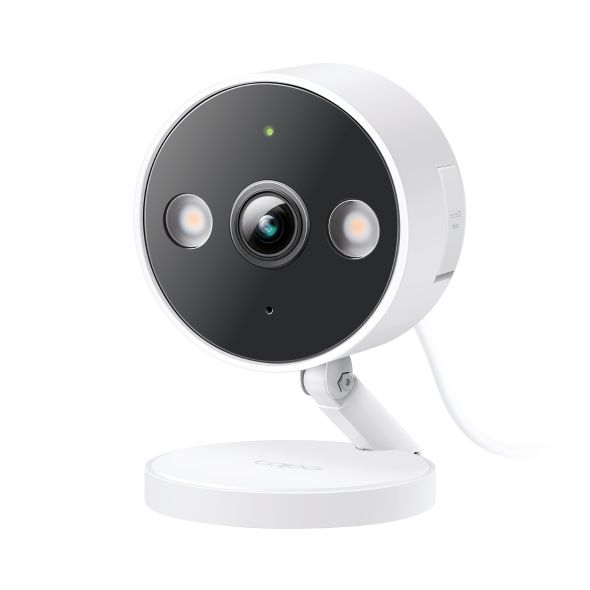
The official Tapo listing displayed $39.99 when checked and documents 2560 × 1440 video, IP66 housing protection, a magnetic base and local microSD support up to 512 GB. It lists people, pet and vehicle detection without a subscription, while cloud history and snapshot notifications are tied to optional Tapo Care features.
That makes it worth comparing when local recording and avoiding unnecessary monthly fees are priorities. It still needs compatible storage and an appropriate power arrangement. Do not interpret the housing’s outdoor rating as permission to expose every included electrical component to rain.
Choose it only if its view, supported network and actual recording workflow fit the intended location. For a doorway close to available power, those questions are relatively straightforward. For a remote garden gate without power or reliable Wi-Fi, the low camera price may be irrelevant to the cost of making it work.
Wyze Cam v4: compare the service features as carefully as the image specification
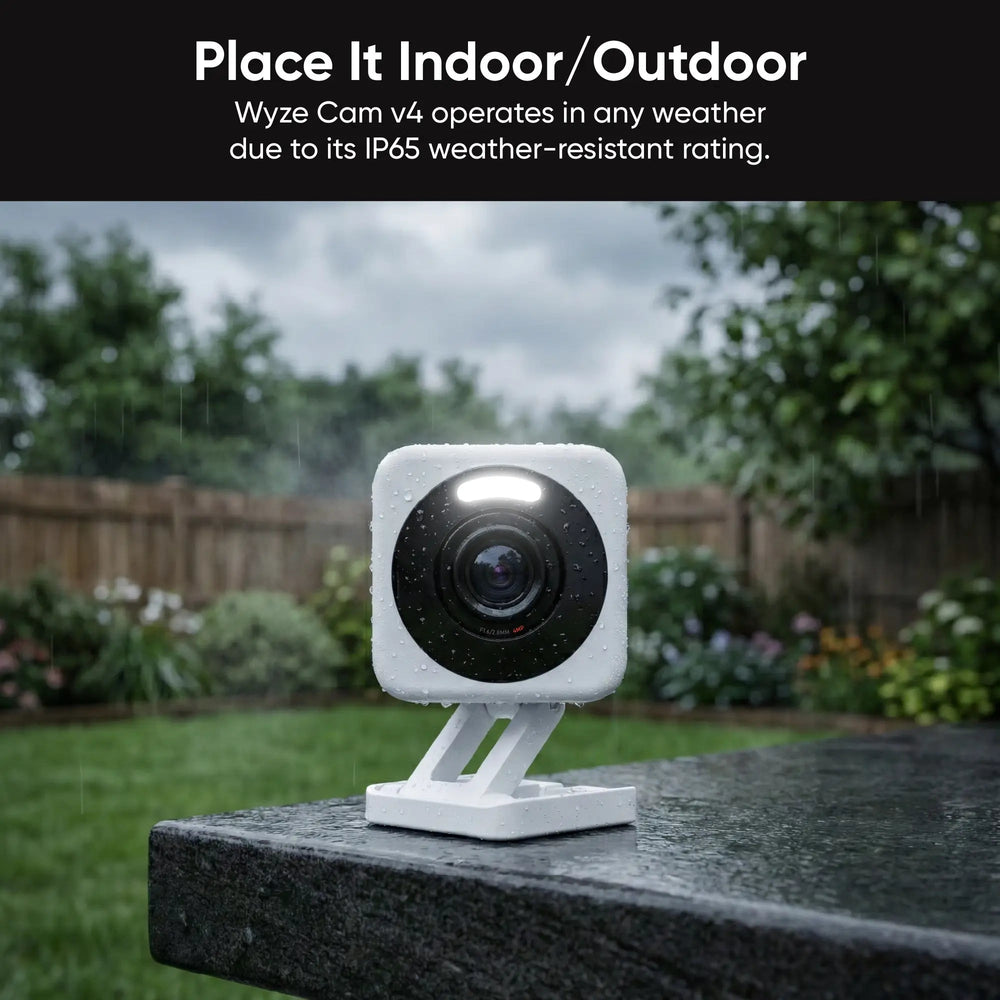
The Wyze Cam v4 storefront showed $44.98 for a single camera. Its product page documents continuous local microSD recording and identifies advanced AI detection and cloud features with Cam Plus. That distinction matters when a competing comparison casually describes every detection feature as free.
Wyze’s technical specification lists 2560 × 1440 video, 2.4 GHz Wi-Fi and IP65 housing protection. Check the current supported card and phone requirements for the exact model. A firmware or regional service difference can matter more than a short retailer feature list.
At this price, there is little room under $50 for separate accessories. That is not a reason to reject the camera, but it is a reason to be honest about whether your budget covers hardware only or the complete installation. Do not use an unsuitable indoor adapter outdoors merely to keep the receipt below an arbitrary number.
Wyze Cam OG: lower hardware cost, different detail expectations
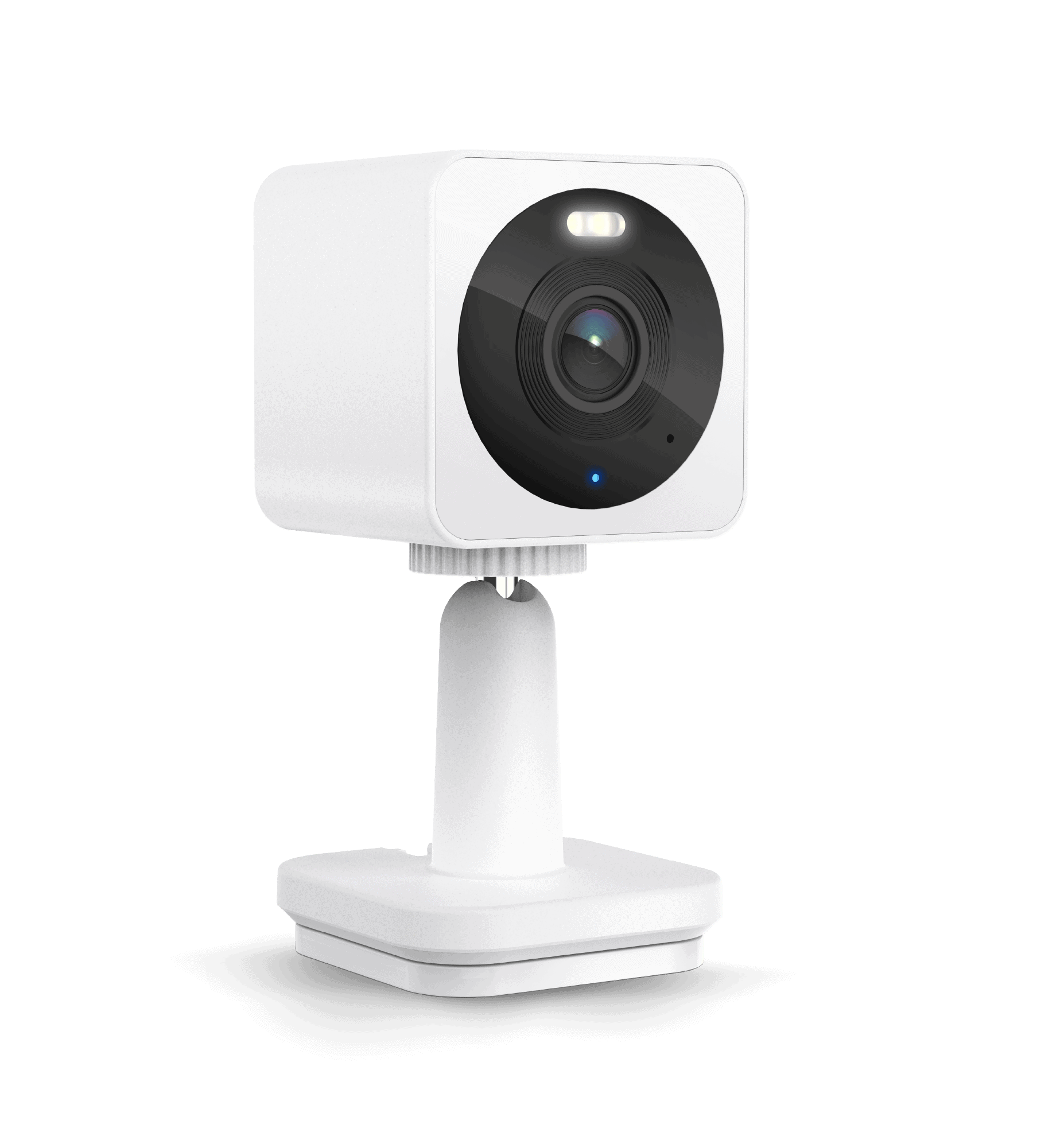
The official Cam OG page displayed $29.98 for one unit and describes a 1080p plug-in camera with a spotlight and an IP65 housing rating. It is a relevant comparison when a limited close-range task matters more than maximizing the advertised resolution.
The lower purchase price can leave room for suitable local storage, but only if the complete setup meets the required recording function. Check which smart notifications and cloud features need a plan. A cheaper camera that misses the detail you need is not good value simply because the arithmetic works.
For example, observing a small indoor entrance is a different requirement from identifying someone across a broad driveway at night. Test the actual distance and motion rather than assuming a resolution label alone settles suitability.
What a strict $50 total changes
Decide whether the cap includes tax, shipping, a memory card, mounting and power accessories. If it does, a camera listed near $45 may leave no realistic allowance for the parts that make recording useful. An existing compatible card or safe power arrangement can change that calculation, but do not assume every reader already has them.
For illustration only, a $30 camera plus a hypothetical $15 suitable card leaves $5 before tax, shipping and other work. A $45 camera plus the same card totals $60 before those extras. These are arithmetic examples, not current card quotations.
If the required safe installation exceeds the budget, postpone or broaden the purchase rather than using improvised wiring. Our under-$100 outdoor-camera guide considers a less restrictive hardware range and different power arrangements.
Indoor and outdoor suitability are not interchangeable
A camera can have an outdoor-rated housing while its standard power supply is intended for protected indoor use. Check the complete cable and connector arrangement, mounting orientation and operating-temperature limits. A covered porch can still expose equipment to moisture and temperature changes.
Do not put an indoor-only device in a plastic bag or improvised box and call it weatherproof. Such arrangements can interfere with cooling, optics and connections. Use the manufacturer’s approved equipment or a model designed for the location.
For indoor cameras, consider privacy as well as convenience. A device watching a private living space needs appropriately controlled accounts and sharing. Cheap hardware is not a reason to accept unclear support or unnecessary access by other people.
Local storage versus cloud subscriptions
A memory card can provide useful recording without a recurring cloud fee where the model supports the required mode. It can also be lost with the camera or fail, so important incidents should be exported promptly. A card slot does not automatically mean every feature works without internet or that continuous recording is enabled by default.
Cloud storage can provide off-site copies and convenient search, but read the actual retention and feature terms after the free trial. A live view, motion notification, event snapshot and full video history are different features.
Compare the service you will actually use for several years. A hypothetical $5 monthly plan adds $180 over three years, independently of the original camera cost. That may still be worthwhile, but it should be a deliberate choice rather than a surprise discovered after installation.
Subscriptions and AI labels need a closer look
AI detection is not one standardized feature. A model may offer basic movement alerts locally while charging for person classification or richer notifications. Another may include classification but charge for cloud history. The exact plan and regional terms matter.
Check the manufacturer’s current feature comparison rather than assuming two products with the same marketing phrase behave alike. Treat unusually sweeping third-party claims, such as every smart alert being free, as something to verify.
Also distinguish useful filtering from guaranteed recognition. A camera can miss or misclassify events. Test the ordinary person, pet or vehicle movement relevant to your installation and review the saved clips.
Resolution is only part of usable evidence
A wide view can spread even a relatively high pixel count over too much area. A distant face may remain too small, while nighttime exposure can blur a moving person. More pixels are not a cure for an unsuitable angle or poor light.
Position the camera for the job and test a normal approach at the relevant distance. Compare an original recording rather than only the app preview. Our placement guide explains how to separate an overview from a useful close view.
If nighttime detail is the main requirement, use the night-vision test plan. A bright still image of an empty room does not prove that moving faces will remain clear.
When a moving camera helps, and when it does not
A pan-and-tilt device can let you inspect different parts of a room, but it cannot automatically record every direction at full detail simultaneously. If it follows a pet away from the entrance, the entrance may not be in the current view.
Do not choose movement simply because it adds a feature at the same price. A fixed camera aimed at a defined doorway may provide a more dependable record of that doorway. Compare return-to-home behavior, permissions and what happens while someone manually changes the view.
For a general room overview, movement can still be convenient. The decision should follow the task rather than a ranking that treats every additional feature as an unconditional improvement.
Check Wi-Fi and account support before buying
Many budget cameras use 2.4 GHz wireless networking, but check the exact specification. Test coverage at the intended mounting point and review the setup instructions if the router combines several bands under one name.
Use a unique password and supported additional authentication. Keep firmware updated through official channels and verify that the manufacturer has a clear support route. A low-priced device with unclear ongoing support can be expensive in privacy and maintenance terms.
Our Wi-Fi guide explains secure compatibility checks. Do not create an open network or expose the camera directly to the internet to solve a pairing problem.
What I would prioritize for different uses
For a small indoor entry area with an available outlet, I would compare local recording, notification usefulness and actual saved detail before paying for additional movement or cloud features. For an outdoor entrance, I would include the approved power arrangement in the budget from the start.
For a location without power, the three plug-in examples here may be the wrong category even if their prices are attractive. For long-distance identification or specialist plate capture, this price-focused shortlist should not replace a task-specific design.
For a baby or vulnerable person’s room, a general security camera must not be presented as a medical monitor or substitute for suitable supervision. Choose equipment and routines for the actual care requirements, not just the cheapest camera with two-way audio.
Use the return period for real testing
- Confirm the exact model, hardware revision and included accessories.
- Set up a supported secure account and recording method.
- Test the proposed location before permanent drilling.
- Record ordinary movement in daylight and darkness.
- Retrieve an original clip and verify the expected history.
- Check which features remain when any trial is not active.
- Review safe mounting, power and household permissions.
Return or exchange a product that cannot meet the defined task rather than continuing to buy accessories around an unsuitable camera. The goal is a usable system, not defending the original purchase.
Frequently asked questions
Can a camera under $50 provide useful security footage?
Yes, for a suitable defined task and installation. The price alone does not guarantee detail, recording or a complete setup within the same budget.
Which option is best without a subscription?
Compare the exact local-recording and detection features you need. The Tapo and Wyze examples offer different arrangements, so confirm current terms rather than assuming every advertised function is free.
Why is an outdoor adapter extra?
The camera housing and electrical accessories can have different environmental requirements. Use the approved arrangement rather than exposing indoor equipment to weather.
Are these hands-on reviews?
No. The shortlist is based on checked manufacturer specifications and storefront information. Real performance should be verified at your own installation during the return period.


