Best Security Cameras Without a Subscription: What You Actually Get for Free
The expensive part of a cheap security camera sometimes appears a month after installation. A trial ends, useful event clips disappear, and the person alerts that made the camera tolerable become a paid feature. The camera still works, but not in the way you thought you bought.
A good subscription-free setup should preserve the functions you actually need after every trial expires. That means checking recording, detection, notifications, playback and downloads separately. This guide compares five documented approaches rather than pretending that one device is best for a nursery, a driveway and a detached workshop.
My starting choices: compare the Tapo C120 for a small plug-in installation, the current Reolink E1 Zoom for indoor pan-and-tilt coverage, and a compatible Reolink PoE camera and recorder for a more permanent multi-camera system. A eufyCam S330 kit is a different option for battery-powered outdoor event recording. Wyze Cam v4 is worth considering when inexpensive local recording matters more than getting every smart alert free.
These are research-based selections, not hands-on performance scores. Manufacturer documentation was checked on November 5, 2026. Model revisions, regional availability and optional services can change; the linked specifications are part of the buying checklist.
What should work without paying every month?
At minimum, define how an incident will be saved and how you will retrieve it. A free live stream is not a recording service. A free notification is not necessarily a playable clip. A memory-card slot is useful only when the camera supports the mode and capacity you intend to use.
| Function | Question to verify | Common catch |
|---|---|---|
| Recording | Are events or a continuous timeline saved locally? | Only snapshots remain after the cloud trial |
| Smart detection | Which person, pet or vehicle filters remain free? | Basic motion works, useful classification is paid |
| Notifications | Are text alerts, thumbnails and interactive actions treated differently? | Rich preview images require a plan |
| Playback | Can the app retrieve local footage without a subscription? | The default tab emphasizes cloud history |
| Export | Can you save an original clip to another device? | Viewing a timeline is easier than downloading evidence |
| Connectivity | What works when internet service is unavailable? | Local recording survives, remote alerts do not |
Make those answers specific to the exact camera and firmware. A brand can sell both continuously powered models and battery devices with substantially different recording behavior.
The shortlist at a glance
| Option | Best reason to compare it | Subscription-free recording path | Tradeoff to understand |
|---|---|---|---|
| Tapo C120 | Compact plug-in camera with useful free classification | Compatible microSD card | Cloud history and certain rich notifications remain optional paid features |
| Reolink E1 Zoom, current 4K revision | Indoor viewing with optical zoom and adjustable aim | Compatible microSD, Reolink recorder or supported storage arrangement | Indoor-only design; a moving view does not cover all directions simultaneously |
| Reolink RLC-810A with compatible PoE equipment | Permanent outdoor coverage and centralized recording | Supported card or NVR | Cabling, recorder and backup power are additional system decisions |
| eufyCam S330 with HomeBase 3 | Battery outdoor event coverage with indoor storage | HomeBase storage | Event-based operation is not an all-day continuous timeline |
| Wyze Cam v4 | Affordable local recording where basic alerts are sufficient | Compatible microSD card | Advanced cloud and AI functions need separate comparison |
Tapo C120: the straightforward plug-in option
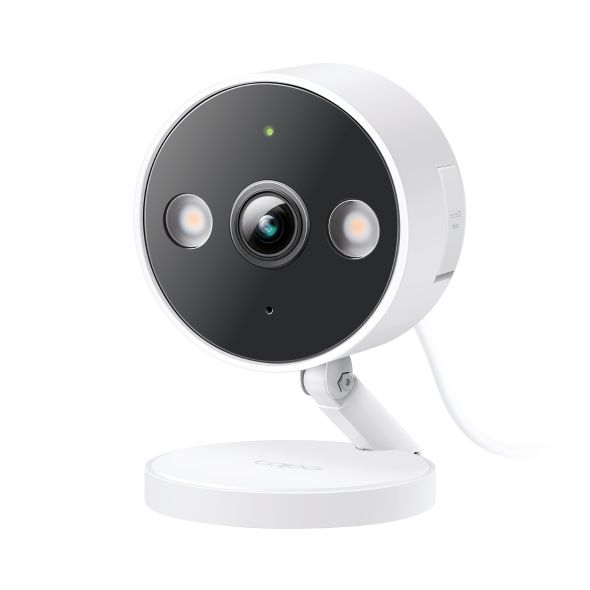
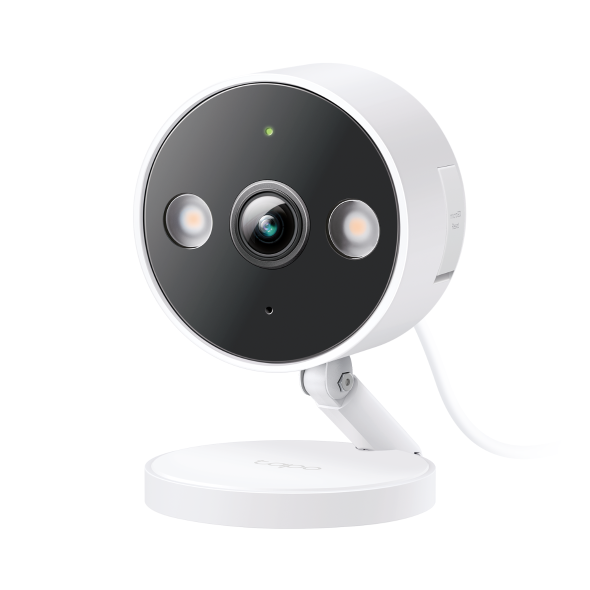
The C120 product documentation lists local microSD storage and subscription-free person, pet and vehicle detection. That combination addresses the two questions many budget guides separate: can it save video, and can it avoid notifying me about every irrelevant movement?
I would consider it for a room, porch or short approach with suitable power and network coverage. The relatively simple installation is part of the appeal. You do not need a recorder merely to begin saving to a compatible card.
Do not confuse the outdoor rating of the camera with permission to expose an indoor power adapter. Read the complete installation requirements, including connectors and cable routing. Also check Tapo Care’s current feature distinction: cloud storage and richer notification features are separate from basic local recording.
Reolink E1 Zoom: indoor flexibility, with a revision check
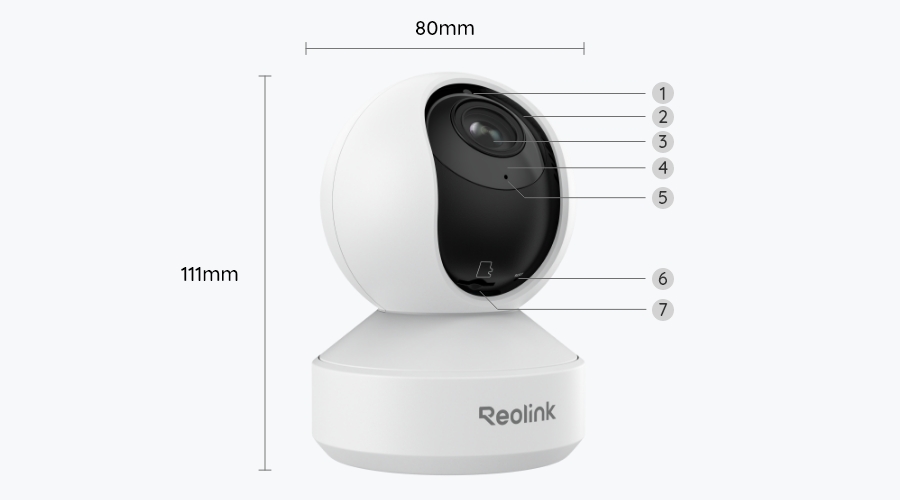
The current 4K E1 Zoom listing documents local detection, optical zoom and continuous local-recording options. It is an indoor camera, not an outdoor product made suitable by placing it beneath an eave. Confirm the revision rather than assuming an older review’s resolution and card limit describe current stock.
Its adjustable view is useful for checking different parts of a room. However, auto-tracking can move the lens away from the entrance you originally wanted to watch. For a guaranteed fixed doorway view, a stationary camera may be the more straightforward choice.
Choose the recording destination before purchase. A card offers a modest starting setup; a compatible recorder or hub changes cost, retention and where the footage physically resides. Product compatibility should be checked for the exact recorder and camera revision, not inferred from a shared logo.
Reolink RLC-810A: think in terms of a system
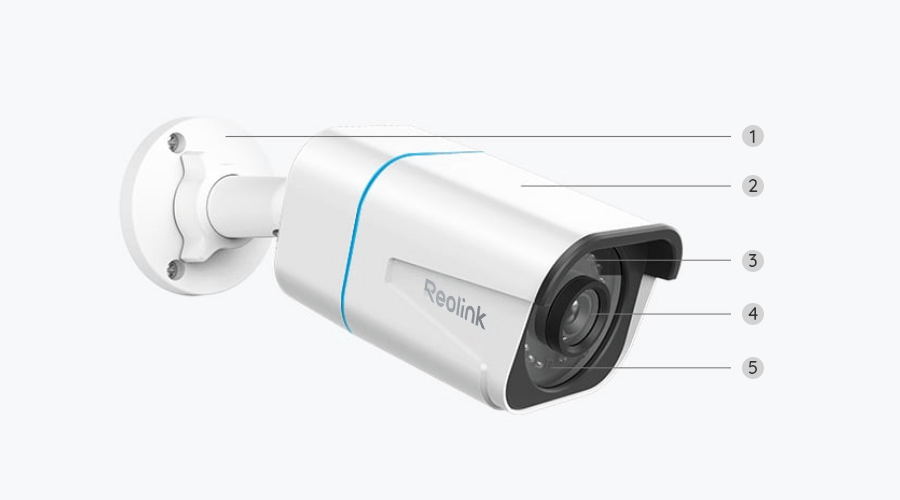
The RLC-810A documentation describes a PoE camera with local recording options. This is a sensible category to investigate when you can install Ethernet and want continuous coverage without managing batteries at every position.
The important comparison is not just this camera against a cheaper Wi-Fi cube. Include the switch or recorder supplying power, appropriate cabling, storage and installation. A four-camera layout can make centralized equipment worthwhile even when it would be excessive for one small room.
Check lens choice against the actual distance. A wider view is not automatically better, and digital zoom cannot recover a face that occupies too few pixels. Our PoE-versus-Wi-Fi guide compares the installation paths; our placement guide helps assign each camera a useful job.
eufyCam S330: outdoor event recording without a monthly cloud bill
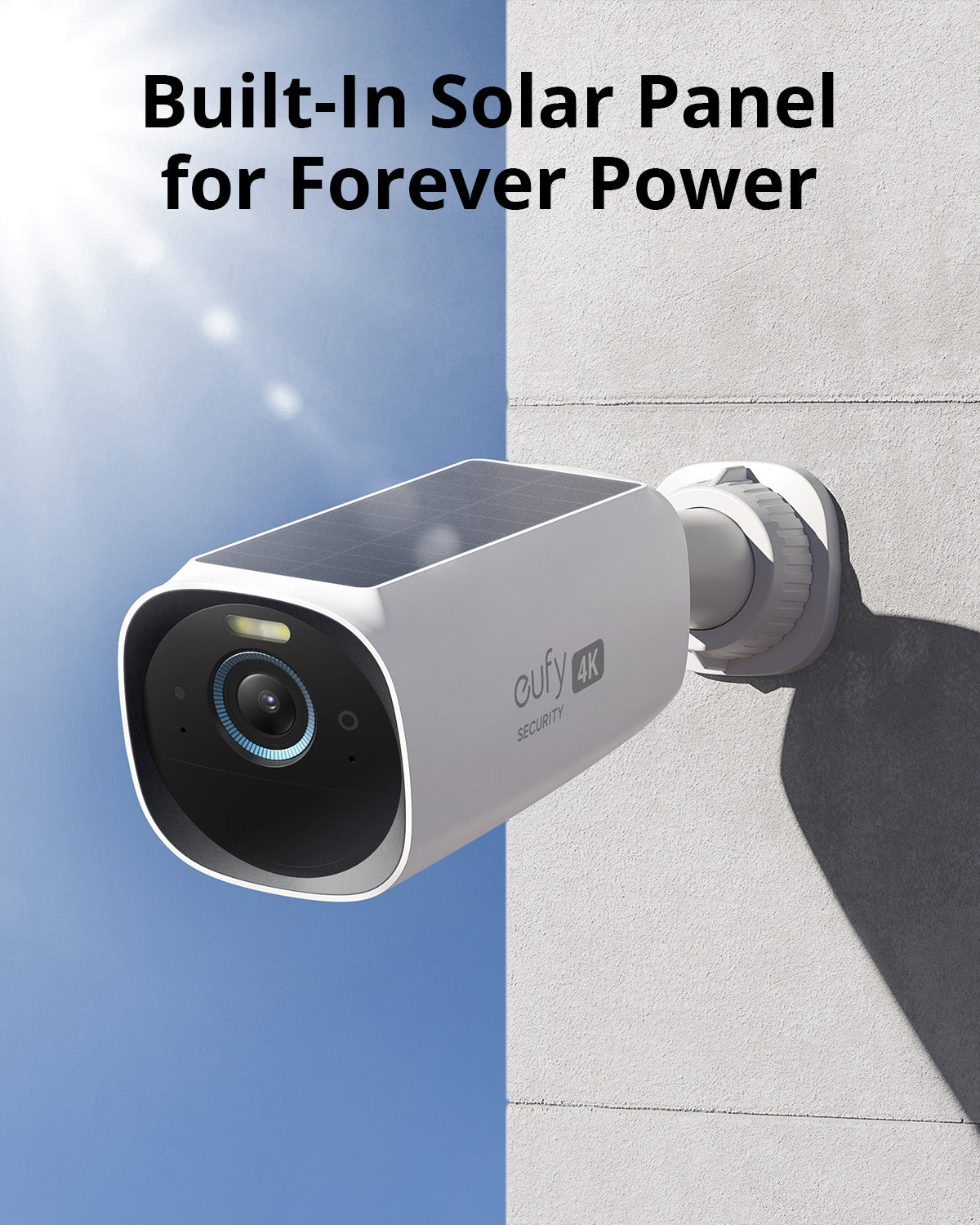
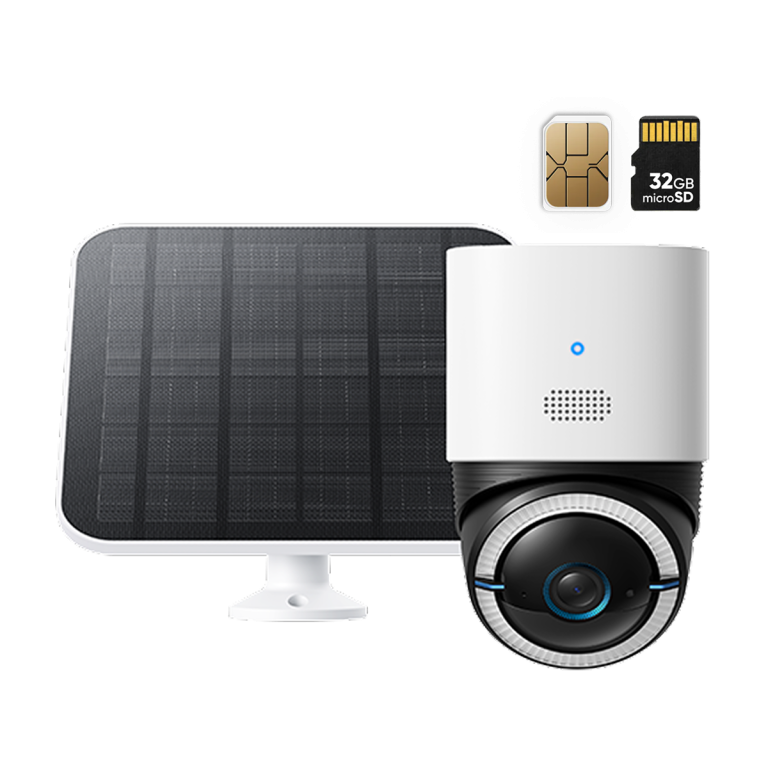
eufy’s S330/S300 buying FAQ explains the HomeBase arrangement and local recording without a required monthly subscription. This is a different proposition from a plug-in camera: the benefit is positioning flexibility and storage away from the outdoor camera, while battery-event behavior remains a limitation to evaluate.
I would compare it for entrances where running a power cable is difficult, provided event recording meets the need. I would not buy it expecting an uninterrupted record of every quiet minute simply because the kit includes a solar panel.
Check the actual kit contents and storage, then calculate future expansion. A HomeBase is another powered device to protect and maintain. A sunny product photograph does not establish how the panel performs under your winter shade; see our winter solar-camera guide.
Wyze Cam v4: local video and paid intelligence are separate
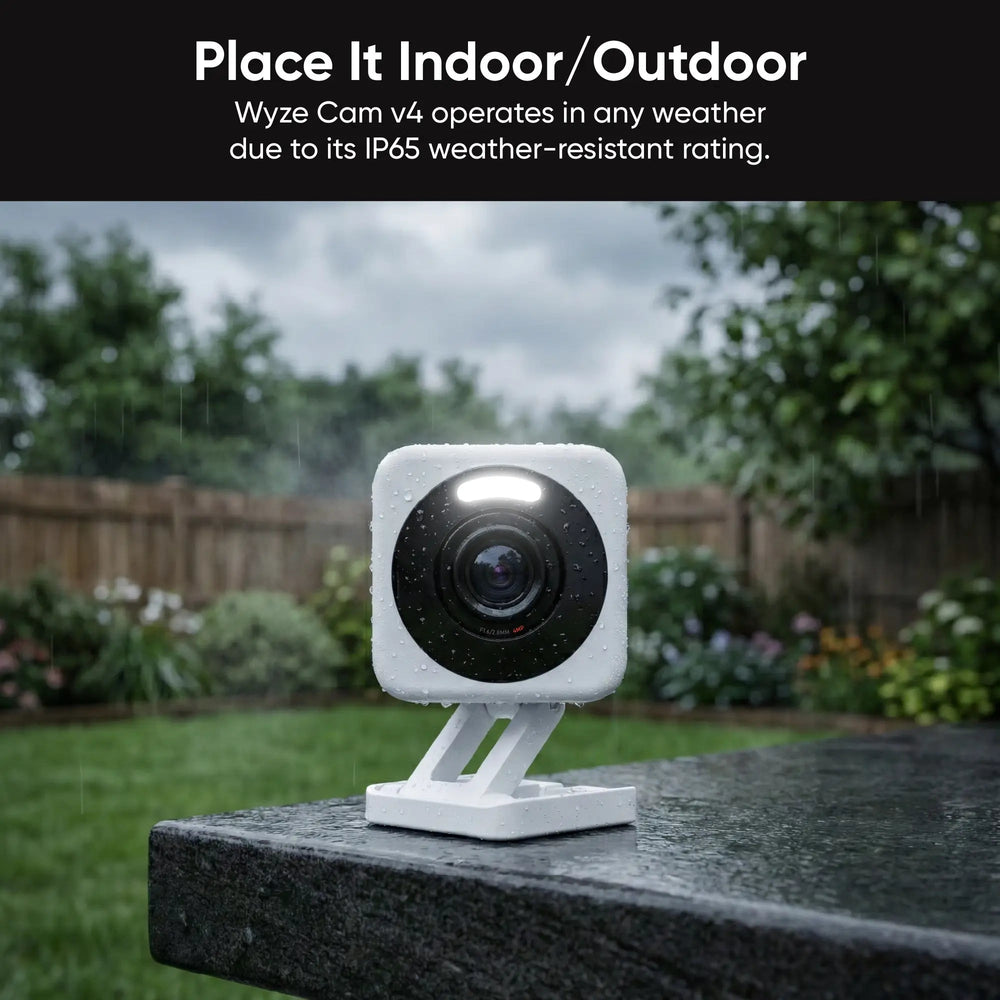
Wyze’s comparison of Cam Plus and microSD separates local recording from subscription features. The v4 is worth considering when the price and local video meet your requirements and you understand the limits of the free alert experience.
Do not dismiss it because an app emphasizes cloud playback. Use the documented SD-card playback route and test an export. Conversely, do not call it equivalent to another camera’s free person-detection package if the feature you want requires Cam Plus.
That distinction is exactly why no subscription is not a single product category. Two cameras can both record locally while offering noticeably different day-to-day notification experiences.
Compare the three-year cost, not just the camera box
Use this calculation: cameras plus storage, hub or recorder, installation, necessary accessories, and any optional service you intend to keep. Do not automatically assign a zero maintenance cost to local storage; cards and disks can fail and may eventually need replacement.
As an arithmetic example, a hypothetical $60 camera with a $20 card costs $80 before installation. A $40 camera with a $5 monthly recording plan costs $220 over three years. These are not prices for the products above. They illustrate why an inexpensive camera can become the more expensive recording arrangement.
For several cameras, check whether a plan charges per device or per location and whether a recorder can support the intended channels. The local-versus-cloud storage guide includes a more detailed household cost worksheet.
Local storage is not the same as fully offline operation
Some cameras save to a card when the internet fails but still need a local network for phone playback. Others provide a recorder and monitor that can operate without a router. Remote access and push alerts normally need an appropriate communication path even when video is stored locally.
Before claiming a camera works offline, name the function: recording, playback at home, remote viewing or notification. Our no-internet camera guide separates those conditions and gives an outage test. This prevents a misleading recommendation based on only one feature surviving.
What happens if the camera is stolen?
A card inside the camera can disappear with it. Storage in an indoor recorder or hub separates those components, although it still needs physical protection and a plan for power or disk failure. Optional cloud copies can add another location without making local recording pointless.
Export important footage promptly and keep an original file. A saved incident on your phone or another protected destination is different from ordinary loop recording that may overwrite itself. Learn the download process before you need it urgently.
The after-trial acceptance test
Do not declare success from the first attractive live view. Confirm that the intended subscription tier is inactive or absent, make a controlled recording and follow the same steps a household member would use after a real event. A trial can temporarily hide a missing feature.
- Record a daytime and nighttime walk through the actual approach.
- Check which event labels and notifications appear.
- Play the footage from the intended local storage.
- Download an original clip and open it outside the app.
- Review a quiet interval if continuous recording matters.
- Test the documented internet-outage behavior without disconnecting critical household services.
For a card-based setup, choose suitable media and leave enough retention for your routine. Our microSD guide explains endurance, capacity and why a gaming-oriented card is not automatically the best surveillance purchase.
Final choice
For a simple powered location, begin by comparing the Tapo C120’s free recording and alerts with the features you need. For indoor movement and optical zoom, consider the exact current E1 Zoom. For permanent multi-camera recording, price a PoE system rather than piecing together isolated devices. For difficult-to-wire outdoor positions, evaluate a HomeBase battery kit with realistic event and charging expectations.
Whichever approach you choose, the best subscription-free camera is the one whose useful recording workflow still works after the promotional period ends. A clear specification and a successful export test are more persuasive than a badge saying no monthly fees.
Frequently asked questions
Can I get person detection without paying monthly?
Yes, on suitable models, but it is not included on every locally recording camera. Verify the exact free-feature table and test after any trial expires.
Do subscription-free cameras need internet?
Some functions do and others may not. Local recording, local playback, remote viewing and notifications have different dependencies.
Is local storage always more private?
Its location is only part of privacy. Account access, encryption where supported, camera placement, retention and exported copies also matter.
Have these cameras been personally tested?
This is a manufacturer-documentation-based buying guide. It does not claim comparative lab testing, and the acceptance checklist is intended to verify performance in your actual home.