Best microSD Cards for Security Cameras: Endurance, Capacity and Compatibility
A security camera can look completely healthy in live view while its memory card quietly fails to retain useful footage. The first sign may be a gap in the timeline, a formatting error or a recording that cannot be played. Choosing a card by capacity and the largest speed number alone misses what makes this workload different: the camera may write and overwrite video every day.
Start with the camera’s exact compatibility requirements, then compare endurance-oriented cards from an accountable seller. Samsung PRO Endurance, SanDisk MAX ENDURANCE and Kingston High Endurance are useful product families to investigate. None is automatically compatible with every camera, and their advertised endurance figures are not directly interchangeable.
This is a specification-based guide, not a claim that we performed destructive lifetime testing. Product and camera documentation was checked on November 5, 2026. Capacity, revision, regional warranty and the manufacturer’s current compatibility list take priority over a generic recommendation.
The shortlist: choose for the camera, not a universal winner
| Product family | Why it belongs on the shortlist | What to check before buying |
|---|---|---|
| Samsung PRO Endurance | Designed for repeated video recording, with capacity-specific endurance documentation | Exact generation, capacity, speed class and camera support |
| SanDisk MAX ENDURANCE | Recording-oriented range with documented capacity-dependent endurance and warranty | Do not confuse MAX ENDURANCE with other similarly named SanDisk ranges |
| Kingston High Endurance | A defined surveillance/dashcam-oriented range, including capacities up to 256 GB on the checked page | Its specified speed class must meet the camera’s requirements |
I would choose between eligible products using the required capacity, trusted availability and total cost rather than declaring a winner from one hours-of-recording claim. If the camera supplier identifies a particular tested variant, that is stronger compatibility evidence than a retailer saying all microSD cards work.
Samsung PRO Endurance: check the capacity-specific claim
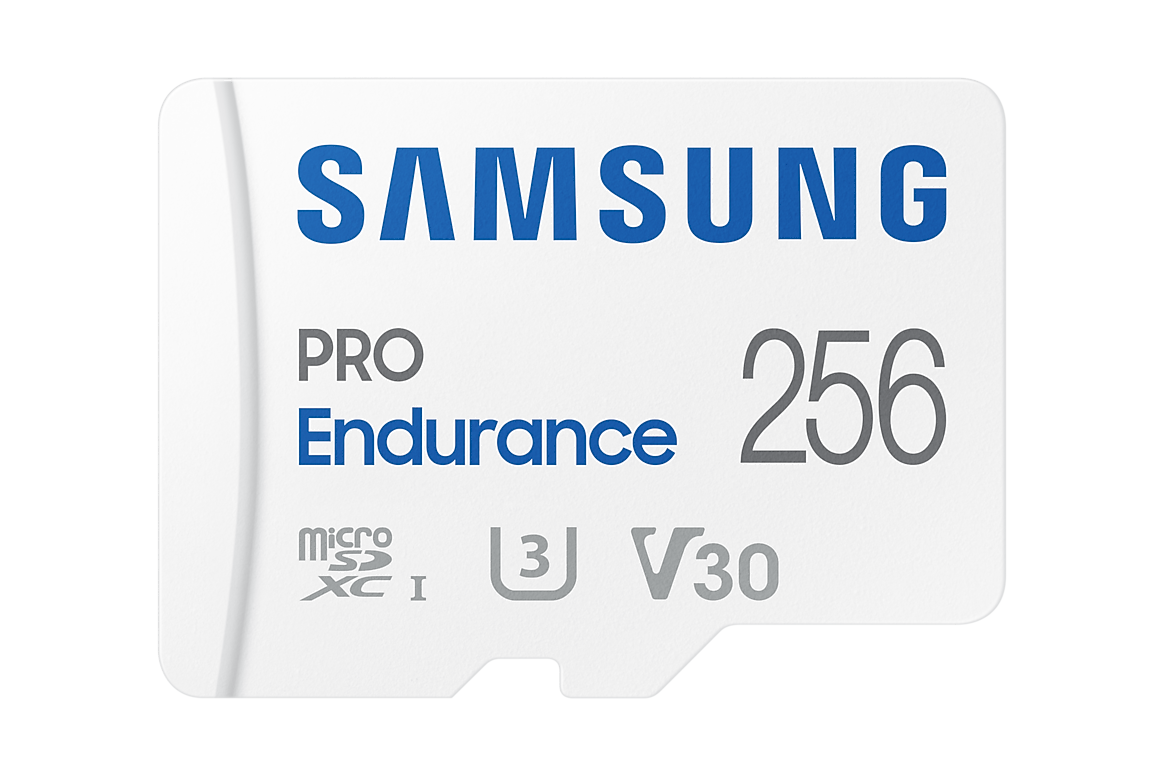
Samsung’s 256 GB PRO Endurance page identifies the MB-MJ256KA variant, U3/V30 markings and a manufacturer endurance claim based on specified Full HD recording conditions. Its endurance and warranty terms vary by capacity.
The useful buying point is not the dramatic conversion of those hours into years. It is that Samsung documents the workload and capacity associated with the claim. Compare the actual card with your camera’s requirements and do not apply the 256 GB figure to a smaller or older card.
This family is a sensible candidate when a supported camera needs repeated recording and the chosen capacity provides enough retained history. It still needs an installation test and ongoing playback checks; an endurance label does not make flash storage infallible.
SanDisk MAX ENDURANCE: distinguish it from other SanDisk cards
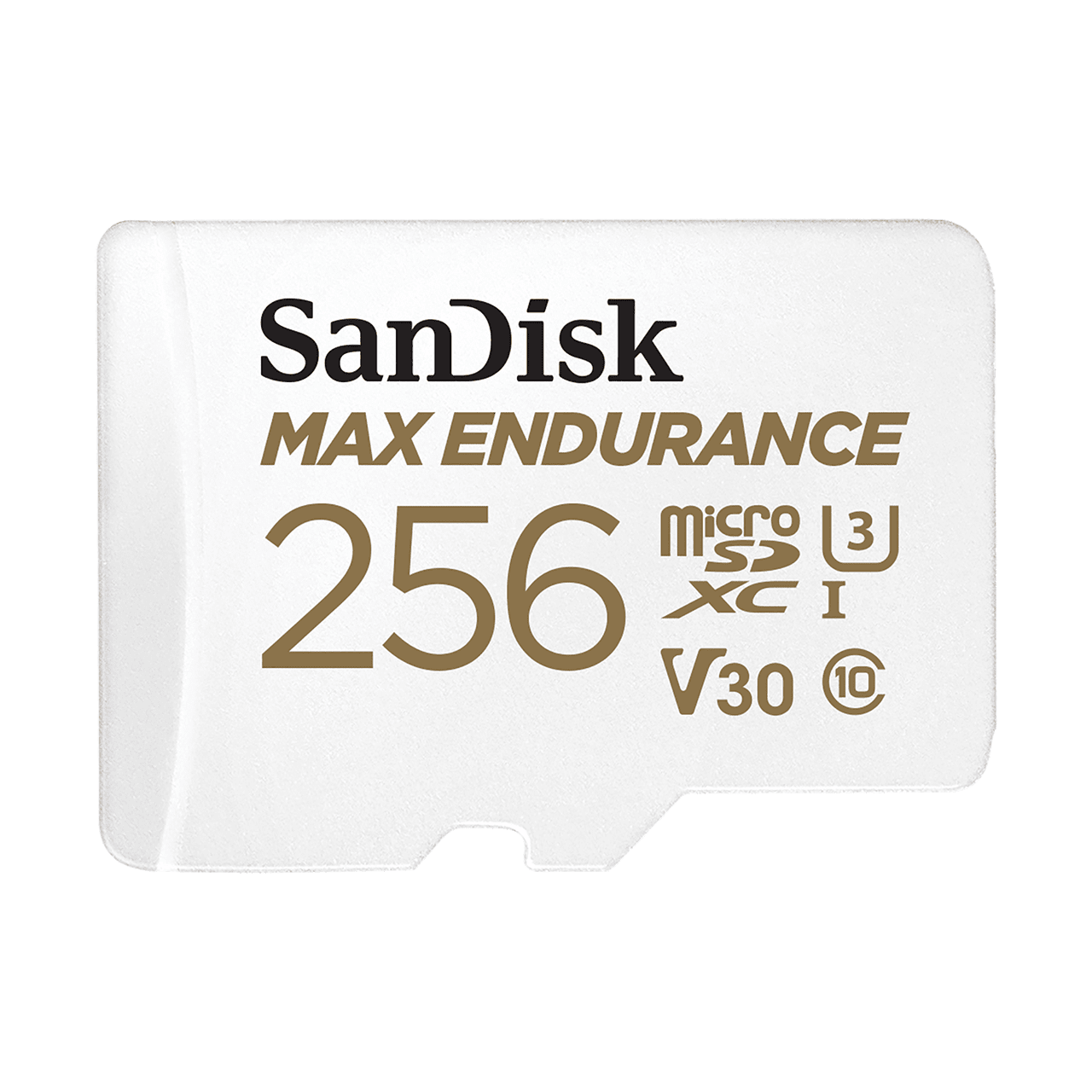
The MAX ENDURANCE range is intended for repeated camera recording, with different capacity-specific endurance and warranty statements. It is not interchangeable in a specification comparison with a SanDisk Ultra, Extreme or High Endurance card simply because the brand is the same.
For a continuously recording camera, I would compare the exact MAX ENDURANCE variant against other supported endurance products rather than pay extra solely for a high peak transfer speed. Check the seller, manufacturer part number and local warranty route as carefully as the front-label capacity.
Do not interpret a long warranty as a promise to recover lost footage or reimburse an incident. Read the relevant terms and keep independent copies of important recordings. Hardware replacement and data recovery are separate outcomes.
Kingston High Endurance: a different speed-class specification
Kingston’s current High Endurance page lists 32–256 GB options and describes the range for write-intensive camera applications. Its published U1/Class 10 specification should be compared with the camera’s requirement rather than assumed equivalent to every U3/V30-labelled alternative.
A lower speed-class number does not automatically make a card unsuitable for a modest-bitrate camera. Conversely, an endurance claim does not excuse missing a host’s required write class. Establish both requirements independently.
This is worth considering where the exact card is supported and its price, capacity and warranty suit the setup. Do not copy specifications from an old review without checking the current generation: product ranges and capacity options can change.
Capacity, speed and endurance answer three different questions
Capacity determines how much data can be retained at one time. Write performance determines whether the card can accept the required stream under the supported conditions. Endurance concerns repeated writing over its working life. A card can be excellent at one and unsuitable for another.
Think of a camera that writes 20 GB daily onto a 128 GB card and overwrites its oldest files. The card does not become larger after the first week; it repeatedly reuses storage. Lifetime recording-hours claims concern that repeated workload, not a permanent archive containing all those hours simultaneously.
The most expensive card in a gaming or high-speed photography category is therefore not automatically the best surveillance purchase. Match the application and host requirement instead of treating every higher number as the same kind of improvement.
Read the symbols without mixing units
The SD Association’s speed-class documentation defines the relevant minimum sequential-write classes and their host conditions. Class 10, U1 and V10 refer to 10 MB/s class targets, while U3 and V30 refer to 30 MB/s targets in their respective systems. The symbols are not lifetime-write ratings.
A1 and A2 describe application-performance characteristics, not surveillance endurance. Also distinguish MB/s from Mbps: eight bits make one byte, so a 4 Mbps video stream represents 0.5 MB/s before other data and overhead. Do not compare those units as though they were identical.
Resolution alone does not establish the required card class. Different cameras can encode 4K video at different bitrates and impose different supported-media requirements. Follow the camera’s stated minimum rather than a blanket claim that every 4K device needs the same card.
Compatibility can override an attractive specification
Find the exact camera model and hardware revision, then check its maximum capacity, supported formats and tested-card list. A card fitting physically does not establish that the firmware can initialize and manage it properly.
TP-Link’s current Tapo/Kasa list recommends endurance cards for continuous recording, gives model-dependent capacity guidance and identifies specific incompatible variants. Its tested list includes particular capacities, not unconditional approval of every card carrying those brands.
For another example, Wyze Cam v4’s checked specification states support up to 256 GB in exFAT. Do not buy a 512 GB card on the assumption that a different camera’s limit applies. Camera firmware and regional documentation should be checked at the time of purchase.
How much storage do you actually need?
Use bitrate and recording duration, not the largest capacity the camera accepts. For one stream, daily decimal gigabytes are approximately bitrate in Mbps multiplied by recorded hours per day multiplied by 0.45. At 2 Mbps for 24 hours, that is 21.6 GB daily.
| Nominal capacity | At 2 Mbps continuously | At 4 Mbps continuously |
|---|---|---|
| 64 GB | About 3.0 days | About 1.5 days |
| 128 GB | About 5.9 days | About 3.0 days |
| 256 GB | About 11.9 days | About 5.9 days |
| 512 GB, if supported | About 23.7 days | About 11.9 days |
These are idealized calculations before storage overhead and capacity reservations. Variable bitrate, audio, event frequency and recording schedules change real results. Our camera data and storage calculator lets you use your own values and distinguish writes from internet traffic.
Why lifetime-hour claims cannot be ranked blindly
Manufacturers can use different test bitrates, capacities, temperatures and workload assumptions. A large number printed for one capacity does not prove that it lasts longer than a competitor under your camera’s actual workload.
Read the footnote and compare like with like where the documentation permits it. If the conditions differ or are incomplete, say that the comparison is uncertain instead of converting every claim into a confident service-life ranking.
Do not schedule replacement solely by dividing a marketing-hours figure by 24. Actual use, environment and individual failures differ. Keep functional checks and an incident-export habit even when the card has an impressive endurance specification.
Buy from a source you can hold accountable
A suspiciously cheap high-capacity card can create a recording problem that looks like a camera fault. Buy through an authorized or otherwise accountable seller, retain the invoice and check that the delivered model matches the listing.
For new empty media, use the manufacturer’s recommended verification approach where uncertainty exists. Capacity-testing tools may write over data, so never run a destructive test on the only card containing an important recording. A label and a reported capacity are not sufficient proof of authenticity.
If the card arrives used, damaged or inconsistent with its packaging, resolve that before installation. Troubleshooting a questionable product for weeks is rarely a good saving compared with buying a genuine supported card.
Install and initialize through the camera’s documented process
Follow instructions on powering down, inserting the card and initializing it. Do not force an upside-down card or leave a weather seal unsecured afterward. On outdoor cameras, the slot cover is part of the environmental protection.
Let the camera prepare the card when its instructions require that step. Formatting on a computer with an arbitrary filesystem or allocation setting can create a different configuration from the one the camera expects. Formatting also erases existing footage, so preserve anything needed first.
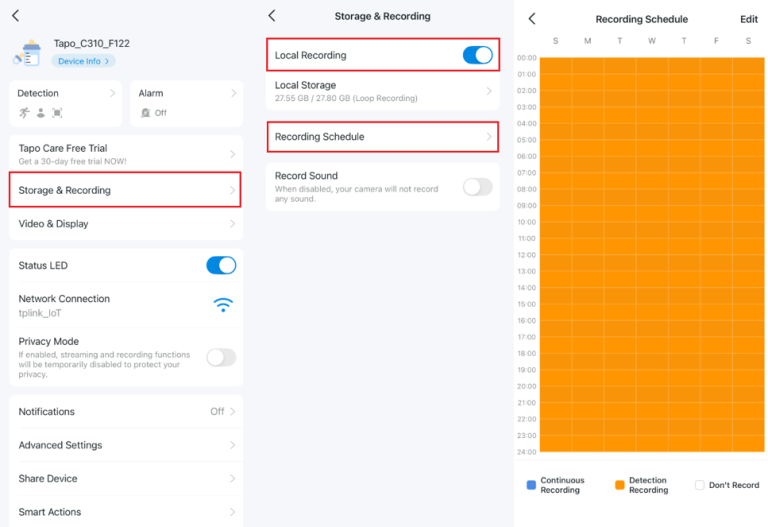
Check the recording schedule after initialization. Recognized storage is not proof that recording has been enabled. A camera may default to motion clips even when you expected an uninterrupted timeline.
Acceptance test: prove it saves useful footage
- Confirm the reported capacity is plausible for the purchased model.
- Set the intended recording mode and verify the clock.
- Record a controlled event, then retrieve it through the local-playback path.
- Export an original clip and open it outside the live-view screen.
- Check a quiet interval if continuous recording is required.
- Revisit playback after ordinary day-and-night operation.
Do this during the return period, not after the first incident. A live image can remain perfect while the card fails to save, and a push notification can arrive without a full retrievable recording.
When recording errors appear
Distinguish no card detected, initialization failed, recording stopped and playback unavailable. Those can involve card condition, compatibility, settings or the app’s selected recording path. Do not format immediately every time the app cannot find a clip.
Preserve accessible evidence, record the error and check whether footage exists locally before resetting the camera. For Tapo-specific problems, use our SD recording diagnosis. For whole-system failures, the camera troubleshooting guide separates power, network and storage.
If a supported genuine replacement card resolves a repeated problem under the same settings, that is useful diagnostic evidence. Keep the suspect card untouched when professional recovery of important material may be needed.
Privacy and an independent copy
A card in an exposed camera can be removed with the device. Local storage is not automatically encrypted, and encryption where supported introduces recovery requirements. Check the model’s actual controls and export process.
Consider whether important incidents should also be saved to a protected indoor recorder, supported cloud destination or another secure location. Our storage comparison explains the failure modes without treating one method as universally safer.
Delete or securely dispose of old media according to the sensitivity of its contents and the applicable process. A quick format should not be assumed to make every previous recording unrecoverable.
My buying approach
First confirm the camera’s exact supported media, then select enough capacity for the intended retention. Among suitable products, compare genuine Samsung PRO Endurance, SanDisk MAX ENDURANCE and Kingston High Endurance variants on current local price and warranty rather than unverifiable lifetime rankings.
Spend the remaining effort on a successful recording and export test. The best card is not the one with the biggest printed number; it is the genuine, supported card that keeps delivering usable recordings in the setup you actually own.
Frequently asked questions
Does a faster card improve image quality?
Not automatically. The card must meet the camera’s write requirements, but it does not improve the lens, sensor or exposure beyond the recording the camera produces.
Will a larger card last longer?
Capacity can affect workload distribution and retained history, but actual endurance depends on the product and use. Stay within the camera’s supported capacity and do not promise a fixed lifetime.
Can I use a normal phone microSD card?
Only if it meets the camera’s requirements, and repeated recording may justify a specifically supported endurance product. An application-speed label is not an endurance rating.
Should I regularly format the card?
Follow the manufacturer’s maintenance instructions, but do not use repeated formatting to conceal unexplained failures or erase evidence. Check playback and investigate recurring errors.