How Much Data Do Security Cameras Use? Storage and Monthly Upload Calculator
A camera saving to a memory card or local recorder does not necessarily use your internet data allowance for that recording. It can still create substantial storage writes and local-network traffic. Cloud uploads and viewing the camera from another location add different data flows, and a useful calculation should separate them.
At a constant 2 Mbps, one continuously recorded stream produces about 21.6 GB per day, or 648 GB in 30 days before overhead. That is arithmetic, not a typical value guaranteed for every 1080p or 4K camera. Use the actual average bitrate and recording schedule where possible.
Camera data and storage calculator
Enter average bitrates, not advertised internet download speed. All cameras in one calculation are assumed to use the same recording bitrate; calculate different groups separately and add their traffic totals. The optional planning allowance is applied to all volume estimates and is not a measured overhead value.
The calculator runs in your browser and does not contact your cameras or send the entered values to a calculation service. It estimates video volumes only; normal site hosting and privacy practices still apply. It does not measure billing, detect your bitrate or guarantee storage retention.
How to fill in the fields correctly
Local recording hours means the total time saved each day, per camera. Use 24 for continuous recording. For event-only recording, estimate the actual accumulated clip duration rather than the hours the camera is switched on.
Cloud upload hours uses the same recording bitrate assumption but is independent of the local schedule. Enter zero when no video is uploaded to cloud history. A device can save continuously locally and upload only events, so those two fields need not match.
Remote viewing counts the time and bitrate of the streams you watch away from the property. Choose direct when the camera or recorder sends the requested video from home, even if a relay service is involved. Choose cloud only when you are viewing video already stored off-site and it is not being fetched from home again.
Storage allocation is the total available capacity for the camera group being calculated. Four separate 256 GB cards are not one shared pool if activity or bitrate differs between cameras. For unequal devices, calculate each separately to see which card overwrites first.
The formulas
Using decimal units, recording GB = bitrate in Mbps × 0.45 × hours recorded per day × days × camera count. The factor 0.45 converts megabits per second into gigabytes per hour: 3,600 seconds divided by eight bits per byte and 1,000 megabytes per gigabyte.
For viewing, GB = viewing bitrate in Mbps × 0.0075 × minutes viewed per day × days × simultaneous streams. Estimated retention in days = usable storage GB divided by daily local writes. The optional percentage allowance multiplies volume by 1 plus the allowance divided by 100.
These are transparent unit conversions. They do not assume that all cameras of a particular resolution produce the same bitrate. If a provider bills binary units or applies its own measurement rules, compare its definition separately rather than treating a displayed GB value as universally identical.
Three flows that should not be added blindly
| Flow | Where data travels | Does it ordinarily use the home’s internet allowance? |
|---|---|---|
| Camera to card | Inside the camera | Not for that local recording alone |
| Camera to local NVR | Across the local network or direct recorder connection | Not inherently; the stream can remain local |
| Camera to cloud history | From the property to the provider | Yes, through the selected communication service |
| Remote live view from home | From the home device to the remote viewer | Yes, as home upload and viewer download |
| Playback of an already-uploaded cloud clip | From provider to viewer | Normally viewer download, not a second upload from home |
Actual products may combine or relay streams differently. Confirm the architecture and use measured traffic to refine the estimate. Do not count a cloud clip twice merely because it was uploaded once and later watched on a phone.
Worked example: one camera recording locally
Assume one camera records at an average 2 Mbps for 24 hours daily, with no cloud upload. In 30 days it writes about 648 GB to local storage before overhead. That does not mean the broadband bill necessarily includes 648 GB of video traffic.
If you additionally view a direct 1 Mbps stream for ten minutes each day, the remote viewing adds approximately 2.25 GB of home upload and the same amount of viewer download over 30 days. The phone’s network may bill that download separately.
A nominal 256 GB card would provide an idealized 11.85 days at the local recording rate. Actual usable capacity, reserved space and variable bitrate can shorten that. The calculator’s default allowance is a planning choice, not a universal correction factor.
Worked example: four continuously uploaded cameras
Four cameras averaging 4 Mbps each produce an aggregate 16 Mbps video rate while all are streaming. Continuous uploads for 30 days total about 5,184 GB before overhead. The same video stored locally would require the same basic recording-volume arithmetic, but the traffic location would differ.
A broadband package’s advertised download speed does not answer whether its upload path can sustain that load alongside other household use. Check upload performance and provider limits, then allow for variation and other traffic.
Watching already-uploaded clips from a cloud service adds viewer download, not necessarily another 16 Mbps transmission from the property. Selecting cloud playback in the calculator avoids treating that viewing as a second direct home stream.
Worked example: event clips
Suppose one camera saves 80 nonoverlapping clips per day, averaging 30 seconds each. That is 2,400 seconds, or about 0.667 recorded hours. At an average 2 Mbps, the video volume is approximately 0.6 GB daily, or 18 GB across 30 days before overhead.
That is an assumption-based estimate. Pre-roll, post-event recording, merged events and repeated detections change the actual duration. A windy day with many alerts can create substantially more footage than a quiet test afternoon.
Use a representative week of recordings to improve the estimate. If the app does not expose total duration, compare actual storage growth or router traffic, bearing in mind loop overwrite and unrelated device activity.
Why resolution alone is a poor data estimate
The resolution determines the number of pixels, not a fixed number of bytes for every minute. Codec, frame rate, scene complexity, noise, image settings and bitrate controls can change the resulting stream.
Reolink’s bandwidth guide shows how multiple main and substreams contribute to an aggregate rate. Use the actual configured or measured stream rather than a generic 4K equals this many GB chart. Such charts are meaningful only when their bitrate assumptions are stated.
A noisy night scene can behave differently from a static daylight view with variable-rate encoding. That is why an estimate should be verified after day-and-night operation rather than calibrated only from a short still scene.
Constant and variable bitrate
A configured maximum or target bitrate is not always the average written over an entire month. Variable-rate modes can change output with the scene, while some constant-rate controls still have implementation-specific behavior. Check what the camera’s setting actually means.
For planning a data cap, a conservative upper scenario can be useful. For predicting typical storage retention, measured average recording volume may be better. Keep both estimates rather than reporting one decimal-place result as certainty.
If the camera and recorder use different streams, measure the one actually being saved or uploaded. A low-quality phone preview can consume less data than the high-quality local archive.
Find the bitrate in your own system
Look in the camera or recorder’s supported encoding settings for bitrate, quality profile and stream selection. Some consumer products do not expose a direct numeric control. In that case, consult the specification or use actual recorded-file sizes over a known duration as an estimate.
For example, a 150 MB original file spanning ten minutes averages approximately 2 Mbps before interpreting any additional container details. The calculation is 150 × 8 divided by 600 seconds. Use an original export rather than a version compressed by a messaging app.
Do not change a working security profile solely to obtain a neat number. Document the current setting, make a controlled comparison and inspect whether the useful image detail remains adequate.
Separate home broadband from cellular-camera data
A 4G camera sends supported remote traffic through its mobile service rather than your home’s Wi-Fi. The same bitrate arithmetic applies, but the plan’s allowance, coverage and billing rules may be more restrictive. Frequent live viewing can consume a substantial part of a small allowance.
A local card does not automatically stop all mobile usage. The camera may still send previews, notifications, checks and requested playback. Those background functions are not included in this video-only calculator.
Our cellular-camera guide explains how to compare camera-specific SIM arrangements with a cellular router serving several devices. Start with a representative usage test before committing to a long service term.
How to reduce data without destroying the useful recording
First identify which flow creates the expense. If continuous local recording is not using your internet allowance, reducing it will not necessarily solve a broadband-cap problem. Cloud uploads and remote viewing may be the relevant targets.
Compare supported event-upload options, a lower-bandwidth remote preview and sensible viewing habits. A continuous local archive can sometimes coexist with selective off-site clips, but confirm that the actual product supports the arrangement.
Do not lower quality so far that the recording no longer answers the intended question. Test moving subjects at the important distance before accepting the change. Our image-quality guide explains how compression problems differ from lens or lighting faults.
Storage capacity is not an internet allowance
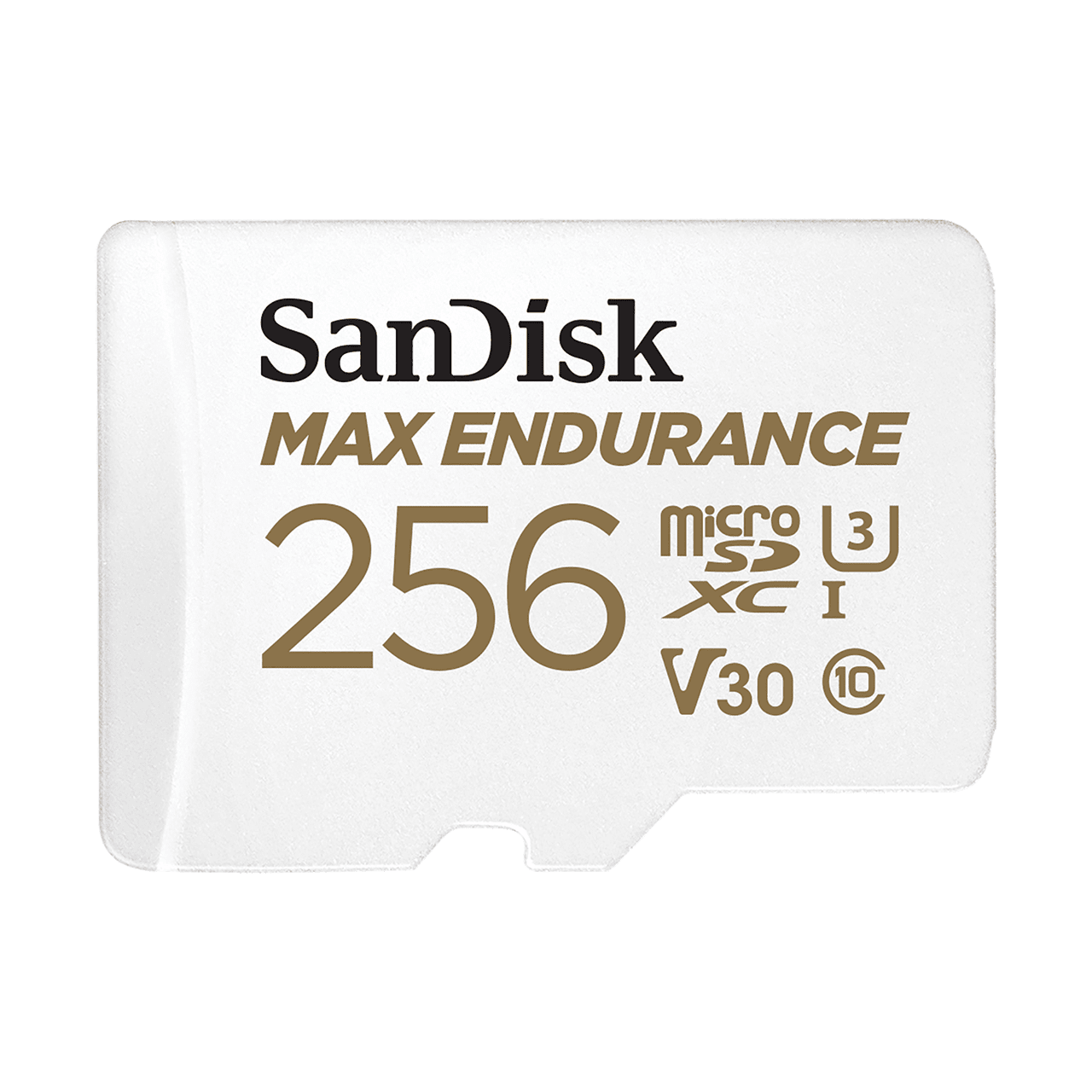
Choose compatible recording media and account for overwrite behavior. A camera can write more than its nominal card capacity over a month by repeatedly replacing old footage. That does not mean the card retains the entire month’s video simultaneously.
Our memory-card guide distinguishes capacity from endurance, while the storage comparison examines which copy survives different failures. Keep important incident exports outside an ordinary rolling archive.
Verify the estimate against actual usage
Record the calculator assumptions, then compare them with a representative period of router, recorder or carrier data. Separate camera traffic from the rest of the household where the router supports per-device reporting. Check how the reporting period and units are defined.
Repeat after adding cameras, changing quality, enabling continuous uploads or increasing remote viewing. A value measured when the house was empty may not describe normal activity.
If the estimate and measurement differ substantially, investigate the architecture before blaming the formula. Additional streams, audio, uploads, previews and software updates can contribute traffic beyond the main video assumption.
Frequently asked questions
Does a local NVR use internet data all day?
Not merely because it records local camera streams. Internet usage depends on remote access, cloud functions and other online activity configured in the system.
How much data does a 4K camera use?
There is no single reliable figure without bitrate and time. Enter the actual or measured rate and explain the recording schedule.
Does viewing four cameras use four times the data?
It can when four comparable separate streams are transmitted. Some clients request lower-quality substreams or a different combined arrangement, so check the actual implementation.
Is the calculator a bandwidth-speed test?
No. It estimates volumes and aggregate stream rates from your inputs. It does not measure the connection or account for every burst, protocol and background service.
Will it predict the exact day my card overwrites?
No. The estimate depends on average bitrate, usable space and recording behavior. Verify retained history on the real system and preserve important clips promptly.