Ring Doorbell Not Ringing Inside? Fix the Right Chime, Speaker or Phone Alert
Your Ring doorbell can record a visitor and notify your phone while remaining completely silent inside the house. That does not necessarily mean the doorbell is faulty. The old wall chime, a plug-in Ring Chime, an Alexa announcement and a phone alert are separate outputs with different requirements.
Identify which one is supposed to sound, then check the exact doorbell model. Some wired models do not operate a conventional in-home chime at all. Changing chime settings or reconnecting old wires cannot add a function the hardware and installation do not support.
Which sound is missing?
| Expected sound | What produces it | First checks |
|---|---|---|
| Old ding-dong or digital wall chime | The compatible doorbell circuit and in-home chime | Doorbell model, chime compatibility and configured power arrangement |
| Ring Chime or Chime Pro | A separately powered and connected accessory | Accessory online status, linked doorbell, sound and snooze settings |
| Echo announcement | A supported Ring/Alexa integration | Correct account, enabled announcements and the selected speaker |
| Phone notification | Ring app and phone notification system | Doorbell online status, Ring Alerts and operating-system permissions |
| Sound from the outdoor button | The doorbell’s local speaker | Exact device sound settings and whether the button event registers |
Do not diagnose a silent plug-in Chime by inspecting the mechanical chime transformer. Likewise, changing your phone’s ringtone does not repair an incompatible wired chime. Start with the output that actually failed.
Press the button once and give the system time to respond. Check the app’s event history, current device status and whether an authorized phone receives the expected event. Repeated rapid pressing can make the result harder to interpret.
If no button event appears anywhere, investigate the doorbell’s power and connection before the indoor sound. A live picture may provide useful context, but record whether the actual press is recognized. If it is recognized and only one output is silent, focus on that output.
Ring’s notification troubleshooting separates online status, schedules and alert settings. Our camera-system guide is useful when the device is offline rather than merely quiet.
Check model compatibility before touching the old chime
Use the device identity shown in the app, not a retailer’s shortened name. Ring’s product generations include similar names with different wiring and indoor-sound behavior. The fact that two wires attach to a doorbell does not prove it can drive the existing chime.
The current Ring in-home-chime guide lists models that do not support a conventional in-home chime, including Video Doorbell Wired and specified newer wired configurations. It distinguishes the 4K Pro’s PoE exception. Check that exact page and regional installation instructions rather than applying a remembered rule to every wired Ring.
For a model that requires bypassing the old chime, its silence can be the intended result. Use the appropriate supported indoor accessory or integration instead of reconnecting an unsupported circuit to make the old bell sound.
Mechanical and digital chimes are different
A mechanical chime uses a physical striking mechanism. A digital chime plays an electronic tone or melody. The correct app configuration and electrical compatibility depend on what is installed, not simply on whether you prefer a ding-dong sound.
Find the chime’s model information through a safe, appropriate inspection or ask the installer to identify it. Do not assume every covered wall box is low voltage or safe to open. Some systems contain or connect to mains-powered equipment.
Use Ring’s wired-model compatibility list or its separate battery/PoE list as applicable. A chime appearing on one product family’s list is not proof of support by another.
Review in-home-chime settings for supported models
Once compatibility is established, inspect the selected chime type and whether ringing the in-home chime is enabled. Use the model’s supported automatic detection or manual setup process. Do not repeatedly try unrelated chime types without knowing the actual hardware.
Allow the settings to synchronize, then make a single controlled button test. Check whether the chime is silent, rings only partly or buzzes. Those are useful symptoms to report rather than reasons to increase power by guesswork.
When no conventional chime is present or the installation intentionally bypasses it, the None setting can be appropriate according to the exact instructions. It is not a universal trick for resolving every silent-bell problem.
Plug-in Ring Chime: treat it as a separate connected device
A Ring Chime plugs into an outlet and is linked through the supported account and network setup. It does not become operational simply because a Ring doorbell is installed nearby. Check its own status and the doorbell events it is configured to announce.
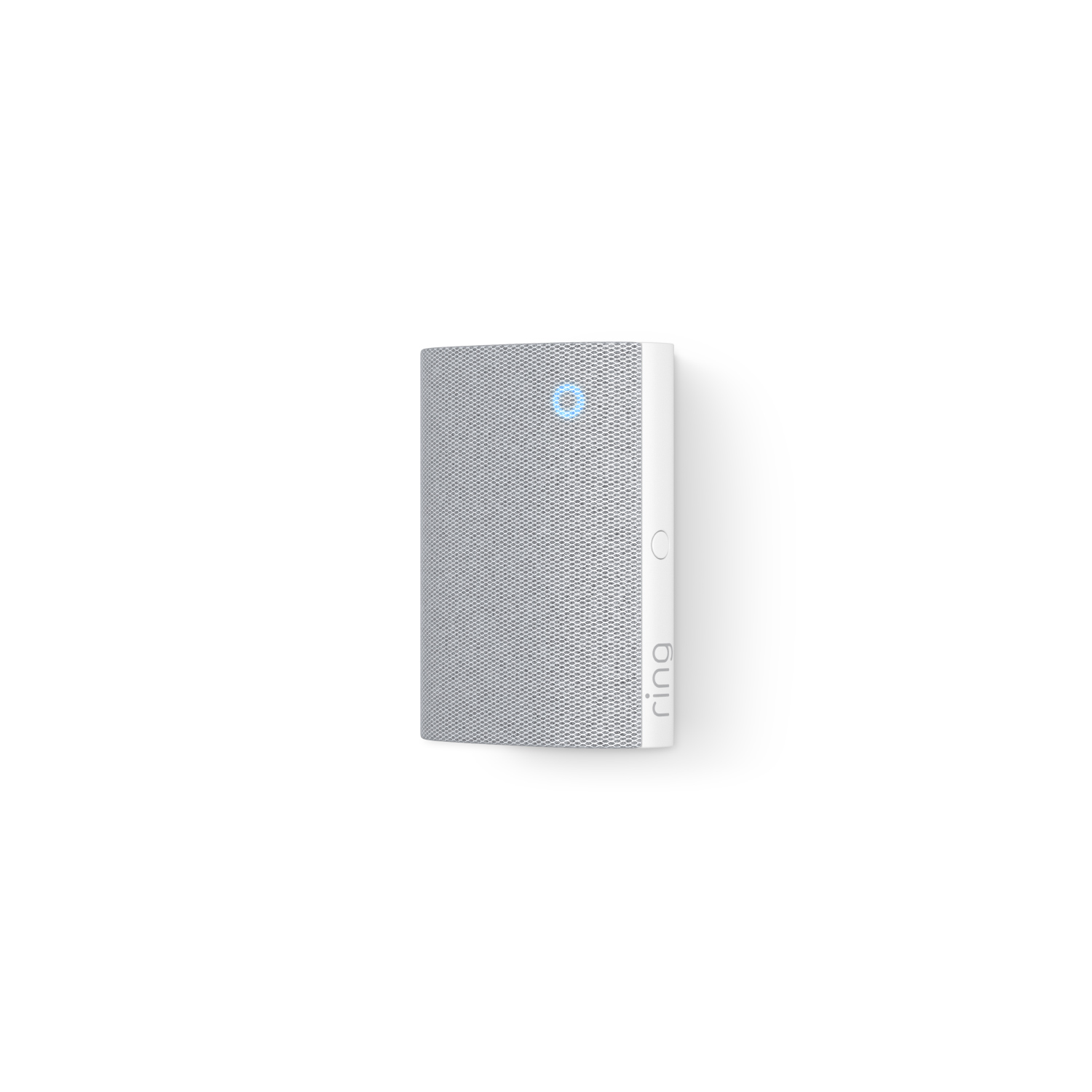
The current Chime product information describes adjustable volume, snooze and selection of triggering devices. Verify those controls on your actual generation. A Chime paired to a previous doorbell or set to sound only for motion may not announce the press you are testing.
Confirm the outlet is working through an appropriate safe check and inspect whether the accessory reconnects after a router change. A strong doorbell connection does not guarantee that the Chime, installed in another room, has an equally useful link.
Chime Pro is not a universal cure for every signal problem
Some accessory designs provide additional networking functions, but placement still matters. Putting an extender at the weakest point does not automatically give it a strong connection back to the network. Follow the exact product’s setup and positioning instructions.
Compare the accessory’s status with the doorbell’s status. If both are offline after a router or password change, the shared network configuration deserves attention. If only the Chime fails, resetting the outdoor doorbell first is unlikely to be the most efficient diagnosis.
Use our Wi-Fi guide for controlled changes. Do not remove wireless security or broadly disable router protections to make an indoor notification accessory work.
Alexa announcements: check the whole account link
A supported Echo announcement needs the correct accounts, enabled integration and the intended speaker selected. A speaker playing music successfully proves it has some connectivity, not that the doorbell announcement is configured correctly.
Review device naming, selected announcement destinations and quiet or volume settings. A similarly named old doorbell can cause confusion after replacement. Use the current official Ring and Alexa instructions for the exact integration rather than an obsolete screenshot.
Test from the actual room where an occupant needs to hear the sound. An announcement audible in the kitchen may not be sufficient upstairs behind a closed door. Choose additional supported outputs or a different placement if the issue is audibility rather than connection.
Phone-only silence is a different branch
When the indoor chime sounds but a phone is silent, inspect Ring Alerts, app permissions, quiet modes and the account’s device access. Motion Alerts and button-press alerts may be separate choices. Muting one is not proof that the other should also be disabled.
Compare another authorized phone. If it receives the event normally, focus on the silent phone’s configuration before changing the doorbell wiring. If nobody receives an event and the device is offline, return to power and connection diagnosis.
Do not assume the lack of a sound means no recording exists. Open the event history and distinguish a notification failure from missing video. Our recording guide explains why live view, event history and continuous storage are different features.
Buzzing, partial ringing and repeated sounds
These symptoms can involve configuration, incompatible hardware or a physical/electrical problem. Stop treating repeated buzzing as harmless if equipment is hot, damaged or behaving abnormally. Arrange qualified assessment where appropriate.
Note whether the problem happens only during a button press, continues afterward or occurs without a recorded press. Tell the installer what changed recently, including a new doorbell, transformer, chime or app configuration.
Do not repeat a wire-bridging test from a video without identifying the circuit. Tests intended for a particular low-voltage arrangement can be unsafe or damaging on a different installation, especially when the chime has been bypassed or a supply connects directly to the device.
Hardwired battery devices still depend on charging conditions
A battery doorbell connected to suitable wiring may receive a trickle charge rather than becoming a wired-only device. A depleted pack can affect the doorbell even though wires remain attached. Check the reported battery and power state.
Ring’s battery hardwiring guidance explains that distinction. If the battery declines rapidly, use our battery troubleshooting guide rather than assuming the indoor chime is the source of every problem.
Conversely, a new plug-in Chime does not charge the outdoor doorbell merely because both use Ring branding. Keep the power and sound components separate in your mental diagram.
Moved house, replaced a router or upgraded the doorbell?
List what was transferred and what stayed behind. A new doorbell may not support the old chime in the same way, and an account may still show the previous device. A router change can disconnect the plug-in accessory even when the doorbell was successfully reconfigured.
Do not remove everything at once. Confirm ownership, record the current configuration and re-establish the affected component through the official process. Keep other household members’ access needs in mind before deleting shared devices.
For a new home with no existing wiring, our installation guide compares battery, approved adapter and professional wiring arrangements. Choosing the correct architecture can be simpler than trying to preserve an unsuitable old bell.
A practical fault-isolation sequence
- Identify the exact doorbell and the indoor output expected to sound.
- Press once and confirm whether the button event reaches the app.
- Check the affected output’s own power, connection and sound settings.
- For a conventional chime, verify exact model and circuit compatibility before further testing.
- For an accessory or speaker, confirm the linked device and account.
- Investigate wiring or repeated abnormal buzzing with qualified help where needed.
- Repeat a visitor test from the rooms where the sound must be heard.
This sequence lets you avoid replacing a functioning doorbell because a separate indoor accessory is muted or associated with an old device.
What to give the installer or support team
| Record | Reason |
|---|---|
| Doorbell model and generation | Establishes supported chime behavior |
| Chime or speaker model | Distinguishes electrical and network accessories |
| Power arrangement | Clarifies battery, transformer, adapter or PoE configuration |
| Which outputs still work | Locates the failure within the call path |
| Recent changes | Explains whether the fault follows installation or reconfiguration |
| Exact symptom | Separates silence, partial sound, buzzing and repeat events |
Share account and identifying information through the official support channel, not a public post containing passwords or access codes. Photographs can help identify equipment, but avoid exposing live electrical parts for the sake of taking one.
Verify the final household routine
Test a normal visitor press and allow the system to complete its cycle. Confirm the intended indoor sound, phone alert, conversation and saved event where those are part of the setup. One functioning output should not conceal another required output that still fails.
Check quiet schedules and accessibility needs with the household. A chime that is technically audible beside the outlet may not serve someone with hearing limitations or a resident in another part of the home. The successful result is a dependable visitor-call process, not merely a successful pairing screen.
Frequently asked questions
Why does my phone ring but the old chime does not?
The model may not support that chime, or its circuit and settings may be incompatible. A phone alert confirms part of the system works, not the old chime’s suitability.
Can any Ring doorbell operate a mechanical chime?
No. Check the current compatibility information for the exact model and installation mode. Some wired devices intentionally bypass the old chime.
Do I need a Ring Chime subscription?
Do not confuse an indoor sound accessory with a video-storage plan. Check the current product and regional terms for the functions you need.
Should I reset everything first?
No. Identify the failed output and preserve the working configuration. A targeted settings or compatibility correction is often more useful than deleting the entire installation.