Local vs. Cloud Security Camera Storage: Costs, Outages, Privacy and the Best Fit
A camera recording locally can keep useful footage during a broadband outage, yet lose that footage if the card disappears with the camera. A cloud camera can preserve uploaded clips away from the property, yet have nothing to upload while its connection is down. The sensible choice depends on which failure matters most and how you intend to retrieve the evidence.
Local storage is a strong starting point when you want control over recording costs and retention. Cloud storage can be worthwhile for convenient off-site history and supported service features. A deliberately configured hybrid arrangement can address weaknesses of both. None of those descriptions guarantees that every camera, app or plan behaves the same way.
There are several kinds of local storage
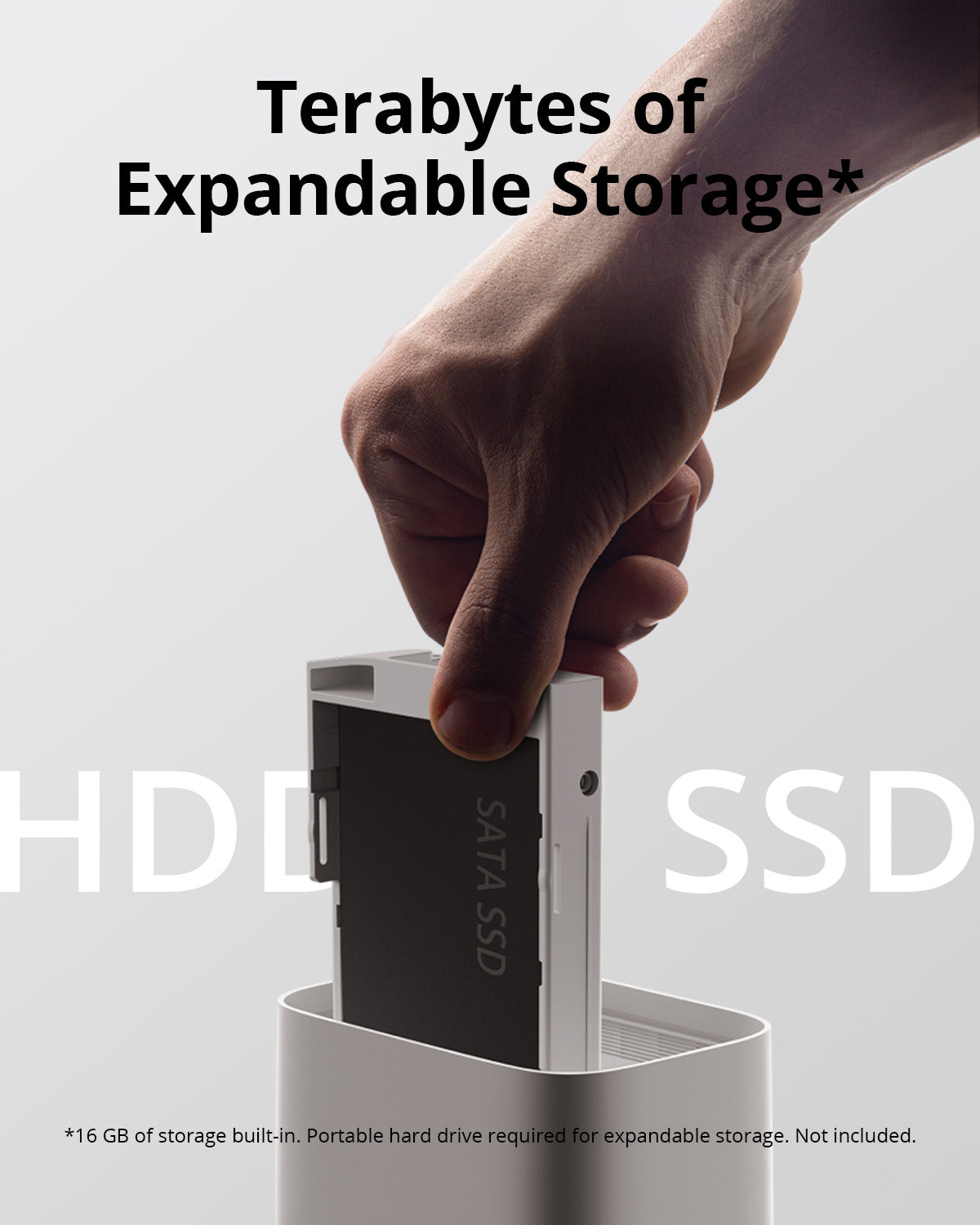
A microSD card in the camera is physically close to the event and can be inexpensive to add. A hub moves the storage to another device, usually indoors. An NVR or compatible recorder can centralize several camera streams on larger disks. A supported server or NAS is another possibility, but it brings configuration and maintenance responsibilities.
Those differences matter during theft, power loss and retrieval. Calling all of them local hides whether the footage sits in an exposed outdoor camera or a protected indoor recorder. Decide where the actual copy resides, not just whether the bill is monthly.
Cloud storage is a service, not one universal feature
A plan may save motion events, continuous footage on eligible devices, snapshots or some combination. It may also include smart detection, richer notifications or extended live-view functions. Check each component rather than assuming video history means an uninterrupted timeline.
Ring’s live-view guidance distinguishes free current viewing from access to saved recordings under a subscription. Other manufacturers use different models. A free trial can make a newly installed camera seem more capable than the service you will actually retain.
Choose the storage arrangement before the trial expires. Starting a subscription after an incident does not necessarily create footage that was never recorded. Likewise, inserting a card later does not recover yesterday’s missing timeline.
Compare the copies, not the labels
Video remains in the same physical device that captured it.
Video travels across a local connection to separate equipment.
Supported video uploads through the internet to the provider.
A selected original recording is saved to another protected destination.
A system can use more than one of these. That does not mean every copy is complete or independent. A cloud event clip and a continuous local timeline may contain different amounts of context, while a phone export may be the only copy kept beyond ordinary overwrite.
What survives a failure?
| Event | Camera card | Indoor hub or NVR | Cloud history |
|---|---|---|---|
| Broadband fails, equipment remains powered | May continue on supported models | May continue if the local connection works | New uploads normally stop without a backup route |
| Outdoor camera is stolen | The card may be lost with it | Previously received footage may remain | Previously uploaded footage may remain |
| Storage device fails | Local history may be lost or unavailable | Recorder history may be affected | Provider history is a separate copy if it exists |
| Power fails | Needs camera backup power | Needs camera, path and recorder backup power | New recording needs camera and communication power |
| Subscription expires | Depends on the camera’s free local features | Depends on local functions and any licenses | Retention and access follow the plan’s terms |
| Owner account is inaccessible | Retrieval depends on encryption and product design | Local administration may provide an alternative | Account recovery becomes critical |
The wording is deliberately conditional. Read and test the actual product’s failure behavior; do not infer it from a generic local-or-cloud category.
Three-year cost: make the assumptions visible
Use this formula: storage hardware plus required service charges over the chosen period plus planned replacements or additional capacity. Keep camera and installation costs separate when they are identical between options. Include them when choosing storage forces a different camera or recorder.
The following figures are hypothetical planning examples, not current quotations or a recommendation to buy unnamed hardware. They show how recurring charges and replacement allowances change the comparison.
| Example arrangement | Initial storage cost | Assumed three-year service/replacement | Illustrative total |
|---|---|---|---|
| One camera card | $25 | One $25 replacement allowance | $50 |
| One-camera cloud plan | $0 storage hardware | $5 × 36 months | $180 |
| Four camera cards | 4 × $25 = $100 | Four $25 replacement allowances | $200 |
| Four-camera location plan | $0 storage hardware | $12 × 36 months | $432 |
| Separate recorder with included disk | $250 | $75 maintenance allowance | $325 |
These are not equivalent retention or feature packages. A recorder can save a continuous timeline while a cloud plan saves events; a cloud plan may include other services. Compare the functions first, then the cost of obtaining those functions.
For a simple break-even illustration, $200 of additional local hardware divided by a $10 monthly fee difference gives 20 months before maintenance and other differences. That arithmetic is helpful only when the alternatives genuinely meet the same need.
How much history will local storage hold?
Estimate from actual bitrate and recording time. At a constant 2 Mbps, one camera produces approximately 21.6 decimal GB per day. Dividing available capacity by that daily figure gives a starting estimate of retention.
| Nominal capacity | Idealized retention at 2 Mbps, one continuous stream |
|---|---|
| 128 GB | About 5.9 days |
| 256 GB | About 11.9 days |
| 512 GB | About 23.7 days |
| 1 TB, treated as 1,000 GB | About 46.3 days |
Real results can be lower because not all nominal capacity is usable, audio and overhead consume space, and bitrate can vary. Event recording depends on activity rather than a universal hours-per-card claim. Use the recording calculator with your own assumptions and verify actual retention after ordinary use.
Cloud days and local days may describe different footage
A plan advertising a long history period may preserve selected motion clips, not every minute. A local recorder with fewer days may contain more context within those days. Decide which is more useful for the question you expect to investigate.
Imagine finding a damaged car without knowing when it happened. A continuous timeline can be searched around an uncertain period. An event library contains only what was triggered and saved. Conversely, a clear off-site clip of an incident may be more useful than a longer local recording stolen with the equipment.
Our doorbell recording guide explains event, pre-roll and continuous modes. Those distinctions should appear in any storage comparison, not be hidden behind the phrase video history.
Local does not automatically mean private
A camera can store video locally while still using cloud services for accounts, notifications or remote access. The location of the recording is only one part of privacy. Review who can sign in, whether storage encryption is supported, and how exported files are handled.
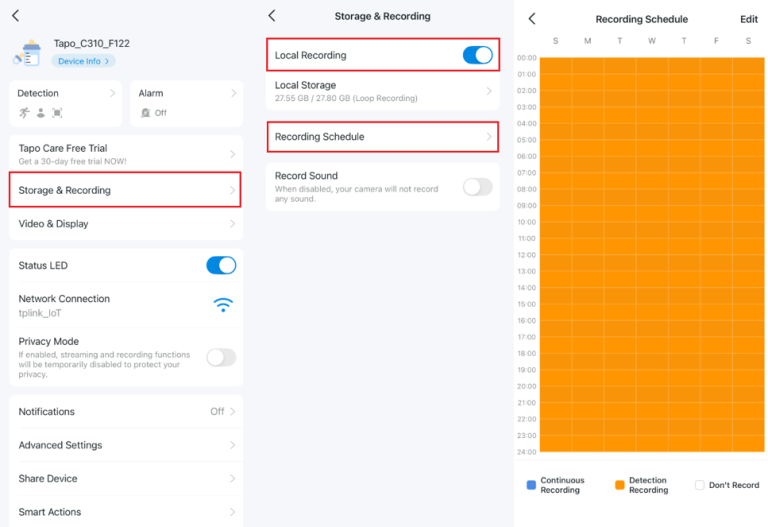
Tapo’s current camera FAQ describes local storage and supported card-encryption controls. Treat encryption as a model- and firmware-specific feature with its own recovery requirements, not an assumption about every microSD camera.
Keep credentials and recovery arrangements secure. An encrypted card that the legitimate owner cannot decrypt may protect against unwanted access while also making incident retrieval impossible. Test the supported export and recovery process before relying on it.
Cloud privacy is more than the company’s logo
Review the provider’s account controls, sharing permissions, relevant privacy terms and available deletion settings. Distinguish encryption during transfer from optional end-to-end arrangements or encryption of stored data. Do not describe them as interchangeable.
Grant household members appropriate individual access instead of sharing the owner password. Remove former users and integrations. The FTC’s camera-security guidance emphasizes maintained devices and protected accounts regardless of where footage is stored.
Also limit the camera’s view and audio to the actual purpose. A secure cloud account does not make unnecessary recording of neighbors appropriate, and a private disk does not remove legal responsibilities. See our camera privacy guide.
Hybrid storage: design the second copy deliberately
A useful hybrid arrangement might save a continuous timeline locally and selected events off-site. Another might use camera cards as a fallback when the local recorder is unavailable. Whether either is possible depends on the supported product and configuration.
Test the failure you expect the second copy to cover. If both copies depend on the same camera and power supply, they do not solve camera power loss. If the cloud copy contains only detected events, it is not a complete duplicate of the local timeline.
Write down which copy is authoritative for ordinary playback and how an incident is exported. Redundancy becomes confusing rather than helpful when nobody knows which app tab or device contains the needed period.
Memory cards, disks and maintenance
Continuous recording repeatedly writes to storage. Select appropriate supported media and inspect health or error warnings where available. A card that still appears in the app can have gaps or playback failures, so occasional original-file retrieval is a useful functional check.
Our microSD buying guide explains why endurance, speed requirements and capacity compatibility are different properties. For a recorder, follow the manufacturer’s disk compatibility and replacement procedure rather than inserting any spare drive that physically fits.
Preserve important footage before formatting or replacement. If storage may contain evidence and appears damaged, seek appropriate support rather than repeatedly initializing it. A clean new filesystem is not recovery of the old recordings.
What internet and power outages mean for the choice
A powered local camera can sometimes keep saving during a broadband outage, while remote alerts stop. A cloud camera may have a limited local buffer on certain models, but do not assume every device uploads the missing interval later.
Separate internet loss from local-network loss and from electricity loss. Our offline-function guide provides that matrix. For power, use the backup plan to include the entire camera-to-storage path.
Where immediate remote awareness matters, communication backup may be as important as recording capacity. Local footage can explain an event on the next visit without notifying anyone while it happens.
Choose for these common situations
One indoor camera and a limited budget: a supported endurance card can be a practical starting point. Confirm playback and alerts without a trial, then export important events promptly.
Several permanent outdoor cameras: compare centralized recording, disk capacity, secure equipment placement and maintenance. The convenience of one timeline can matter as much as avoiding per-camera fees.
Concern that the camera itself could be removed: prioritize a recording destination away from the exposed device, whether a protected local recorder, supported cloud service or both.
A remote property with unreliable internet: local recording can preserve evidence, but build a separate plan for alerts, power and inspections. Cloud history cannot contain footage the camera never managed to send.
Test retrieval before choosing the final plan
Record a normal event, locate it and export the original. Check the date and time and open the file outside the live-view screen. Ask another authorized household member to repeat the process using their own account.
Then check a quiet interval if continuous coverage is required and an older interval near the expected retention limit. A timeline icon or nominal disk capacity does not prove the recording you need exists.
After the trial period, repeat the test. Our subscription-free camera comparison identifies the feature questions to ask rather than treating every locally recording camera as the same product.
Frequently asked questions
Is cloud storage safer than local storage?
It protects against some local-loss scenarios but adds account, service and upload dependencies. Compare specific failure modes rather than assigning one universal safety label.
Can I use local recording and cloud storage together?
On supported products, yes. Confirm what each copy contains and test the arrangement instead of assuming they are complete duplicates.
Does a cloud plan recover footage from before I subscribed?
Do not rely on that. Footage that was never saved cannot generally be created retroactively. Check the provider’s actual retention and trial terms.
What is the best way to preserve an important incident?
Export the original promptly to an appropriate protected destination and retain relevant context. Ordinary loop recording or expiring cloud history should not be the only copy.