Can You Use a PoE Camera Without an NVR? Live View, Memory Cards and Recording Options
.sl-poe table{border-collapse:collapse;width:100%;margin:22px 0}.sl-poe th,.sl-poe td{border:1px solid #bdcbd0;padding:12px;text-align:left;vertical-align:top}.sl-poe th{background:#edf4f2}.sl-poe .table-scroll{overflow-x:auto}.sl-poe figure{max-width:700px;margin:28px auto}.sl-poe img{max-width:100%;height:auto;display:block;margin:auto}.sl-poe figcaption{font-size:14px;line-height:1.6;color:#425c63;padding-top:9px}
You do not necessarily need a recorder box to use one wired network camera. A supported standalone PoE camera can receive power from an injector or switch and provide video to its app or another authorized viewer. Recording requires an additional decision, however: where will the footage actually be saved?
Many standalone PoE cameras can operate without a dedicated NVR, using supported internal storage or another recording destination. That does not apply to every kit-only camera or every feature. Check the exact model, then separate four questions: power, network access, viewing and retained recordings.
What the NVR was doing for the camera
A compatible PoE NVR can supply camera power, maintain a network path and save video to its own storage. It may also provide a local monitor interface and convenient multi-camera playback. Removing the box does not mean those functions vanish as requirements.
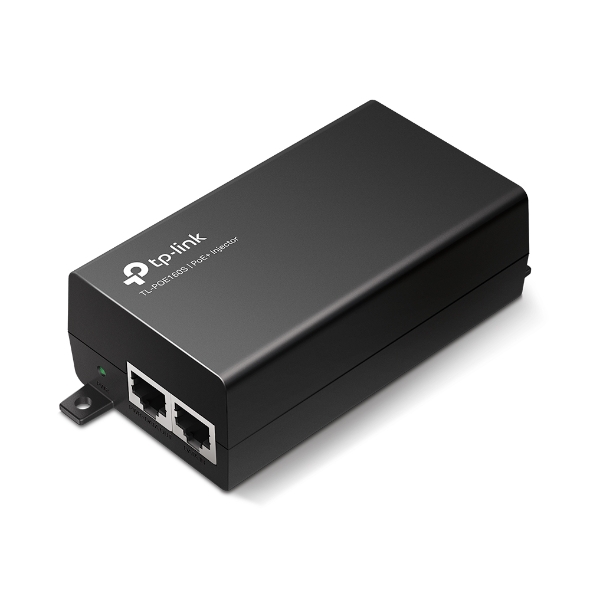
An injector replaces the power role for a suitable single connection, not the storage role. A phone displaying a live image replaces neither a hard drive nor a recording schedule. Start by identifying the functions you need to preserve.
| Needed function | Possible alternative | Important check |
|---|---|---|
| PoE camera power | Compatible injector or switch | Exact standard, power requirement and cable installation |
| Live viewing | Supported app, web interface or client | Account, protocol and device support |
| Saved history | Camera memory card, compatible software or NAS | Actual recording support, storage health and schedule |
| Remote access | Manufacturer-supported service or managed secure connection | Internet, permissions and applicable service requirements |
Some combinations are easy to maintain; others become more complicated than a small recorder. Choose according to your real use rather than treating fewer boxes as automatically simpler.
Check that the camera is genuinely standalone-capable
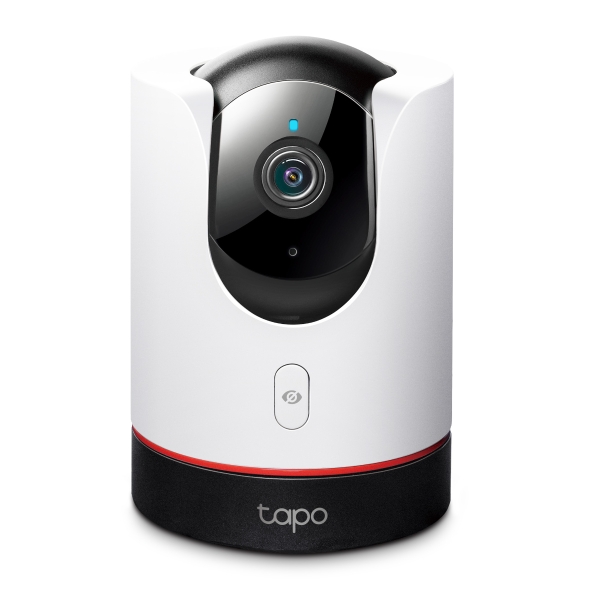
Read the exact model documentation, including whether it is a special add-on supplied for a recorder kit. Look for independent initialization, supported local viewing and recording options. A similar-looking retail camera may have capabilities that the kit variant does not.
Reolink’s connection guidance distinguishes standalone network access and certain add-on kit limitations. That is a useful warning against assuming every camera from one brand behaves identically.
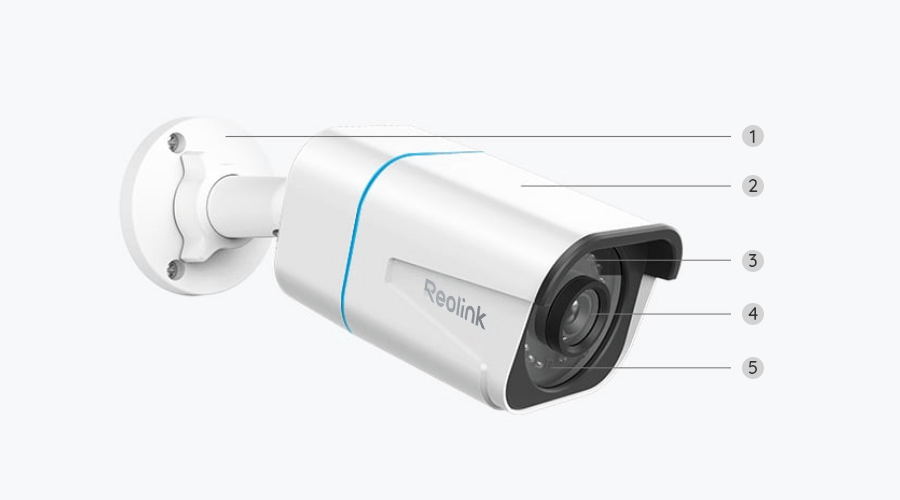
Before purchasing, ask the manufacturer whether the desired features work without its NVR and without a subscription. Distinguish a clear yes for live view from a yes for continuous local recording and remote playback.
The simplest supported network arrangement
Connect a suitable PoE injector’s data input to the local network and its powered output to the camera, or use a compatible powered switch port. The phone or computer then accesses the camera through the supported application and network arrangement.
Use the product’s instructions for initialization and owner credentials. Do not assume an ordinary router Ethernet port supplies power. Likewise, an Ethernet connector on a camera does not itself prove the camera supports PoE.
The injector-versus-switch guide explains the power choice, while the installation guide covers safe cable routes and the final recording test.
Option 1: record to the camera’s memory card
For one or a few supported cameras, internal microSD recording can be a practical starting point. Check the card slot, supported capacity, card requirements and the available recording modes. A slot does not guarantee every model records continuously.
Reolink’s recording setup guidance separates schedules and storage options by product. Use the actual model’s instructions rather than assuming a new card automatically enables the desired history.
After setup, record an ordinary event, find it in playback and export an original clip. Repeat after a normal restart. This confirms more than a card status icon or a notification on the phone.
Understand the limits of keeping footage in the camera
A card inside the camera can disappear with it or become unavailable when the camera fails. It is local storage, not automatically an independent backup. Export useful incidents promptly and choose an additional supported destination when the consequences justify it.
Retention depends on actual bitrate, recording time, capacity and overwrite behavior. A 128 GB label does not promise a particular number of days for every camera. Motion-only and continuous recording also produce different histories.
Use the storage calculator for a transparent estimate and verify the actual timeline afterward. Our retention guide explains why stored history needs direct checking rather than relying on a promotional duration.
Option 2: use a computer as the recorder
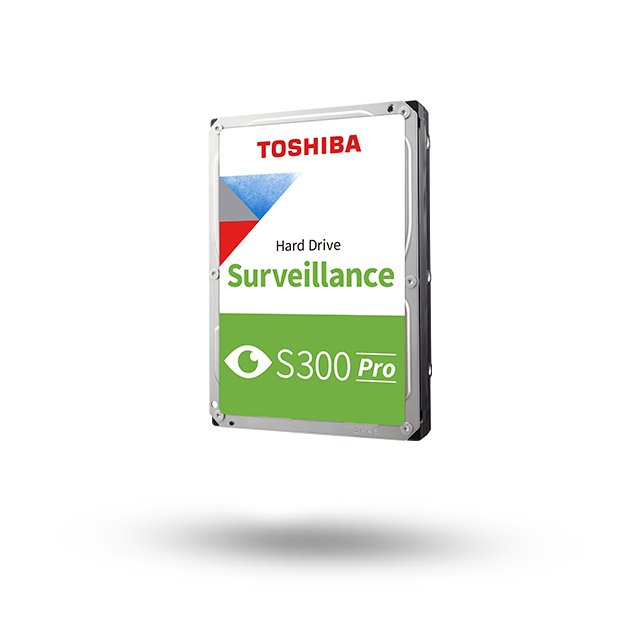
Compatible recording software can save supported camera streams to a computer. In functional terms, that computer is doing the recording job even though you have not purchased a dedicated NVR appliance. The software, storage and operating system become parts of the security system.
Check exact camera and stream compatibility, licensing, decoding demands and the desired event integration. A client that displays video may not provide unattended recording in the way you expect. Some manual record buttons only capture while a particular application or session remains active.
Plan for sleep settings, updates and restarts. A laptop taken to work cannot keep recording a home camera while absent unless another independent recording path is configured. Avoid relying on a process that silently stops when the user logs out.
Option 3: record to a supported NAS
A network-attached storage device may run a compatible surveillance application or accept a camera-supported upload arrangement. Check the exact NAS, software version, camera compatibility and licensing before treating existing spare storage as a complete solution.
Continuous stream recording and uploading selected files are different workflows. Confirm which one the camera and NAS support and how playback will work. The fact that both devices are on the same network does not make them automatically exchange recordings.
Keep permissions narrow and backups protected. A camera should not receive unrestricted access to every family or business file because it needs one recording destination. Review the footage backup guide for independent-copy and restore checks.
Live viewing without recording is a valid but limited choice
Some owners need only an occasional authorized live check, such as seeing whether a gate is closed. That can be a legitimate use when its limits are understood. It is not equivalent to being able to investigate what happened earlier.
Decide explicitly whether the task needs history. If it does, test a saved file rather than assuming the app keeps video merely because it can show an image. A phone screenshot is also different from preserving an original event clip.
For a delivery or security incident, missing context before an alert may matter. Compare the continuous and event-recording options before choosing the lightest possible storage arrangement.
Without an NVR does not mean without internet
The dedicated recorder and the internet connection are separate dependencies. A standalone camera may record locally while losing cloud access or notifications during an outage. Conversely, a cloud-dependent camera may provide fewer useful functions without online service.
Reolink’s offline-operation table gives product-specific examples of functions that remain available. Do not apply that table to every brand or interpret it as proof that all remote access works without a communication path.
Test the functions you actually need under an appropriately controlled outage scenario. Preserve normal configuration and avoid interrupting an active incident or software update to perform an experiment.
Remote viewing needs a secure access method
Use the camera manufacturer’s supported remote service or an appropriately managed remote-access solution. Review account permissions, additional authentication where available and software support. Do not expose the camera directly to the internet as a generic shortcut.
A working app account is not a reason to share one owner password with everyone. Grant named users the access required and remove permissions when their purpose ends. Keep legitimate recovery available without storing every credential beside the camera.
Our network security guide covers the surrounding account and router decisions. A wired camera still depends on good network administration; replacing Wi-Fi does not eliminate digital security responsibilities.
Power loss still stops an unprotected recording path
A memory card does not power the camera. A computer recorder also needs its network and storage to remain available. Identify every component whose failure prevents the intended function.
For example, preserving camera power alone may keep local card recording available while a router outage stops remote viewing. A separately powered recording computer can lose its stream when the switch is off. Those are different outcomes.
The backup-power guide helps choose the whole arrangement. Do not buy a small battery product solely for the easiest box to reach and assume everything else is protected.
When a dedicated NVR becomes worthwhile
A dedicated recorder can make multi-camera storage, local monitoring and routine playback easier to manage when the models are compatible. It can also reduce reliance on a personal computer remaining powered and correctly configured.
That convenience has a cost and still needs maintenance. Check capacity, channel limits, disk health, updates and export capability. A recorder is not inherently immune to failure or unauthorized access.
If the system grows, the switch-to-NVR guide explains how existing switch-powered cameras may join a supported recorder arrangement. You may not need to replace all the camera cabling merely because the recording destination changes.
Compare the complete ownership cost
Include storage, software licenses, power equipment and the time required to maintain the arrangement. An existing computer is not always free in operational terms if it must remain on solely to record. A card-only setup may need more frequent manual exports.
Use your own quotes in the ownership-cost calculator. Compare equivalent features and retention rather than declaring one setup cheaper while quietly removing continuous recording or independent backup.
A practical standalone-camera acceptance test
| Test | What it establishes |
|---|---|
| Live image through an authorized viewer | Current power, network and viewing access |
| Ordinary movement saved to the selected destination | The recording path actually operates |
| Playback and original-file export | History can be retrieved rather than only advertised |
| Normal restart | Expected recording resumes without an undocumented manual step |
| Offline behavior where relevant | Known limits during an internet interruption |
| Permission review | The correct people control viewing, exports and administration |
Keep a brief record of the results and configuration. A standalone camera should be simpler to maintain, not a collection of assumptions that only becomes clear after footage is missing.
Frequently asked questions
Will any PoE camera work without its recorder?
No universal promise applies. Check the exact standalone or kit variant and the features documented without the NVR.
Does an injector replace an NVR?
It replaces a compatible power-source role, not recording. You still need a supported destination when saved history is required.
Can my phone record everything permanently?
Do not assume a live-view app provides unattended long-term recording. Verify the exact application’s behavior, storage and interruptions, or choose a purpose-built recording arrangement.
For other camera buying and troubleshooting questions, use the camera guide directory. The useful question is not how many boxes you own, but whether the required footage is reliably available.